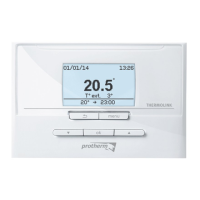
INSSTCP0408
Equipment Ground-fault Protection Device (EGFPD)
verification
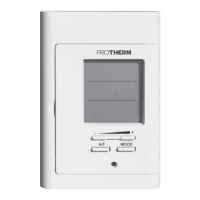
It is important to verify the EGFPD installation and operation on
a monthly basis.
EGFPD verification procedure
1- Increase the temperature set point until the heating power
bars are displayed (displayed in the bottom-right hand corner
of the screen).
2- Press down the Test button.
3-Thefollowingtwocasescanoccur:
a) Successful test: The red indicator of the thermostat lights
up. In this case, press down once again the Test button to
reinitialize the EGFPD, the red indicator turns off.
b) Failed test: The red indicator does not light up and the
entire display blinks during 5 seconds. In this case, dis-
connect the heating system at the electrical panel and call
Protherm’s customer service.
Lock Option
This mode imposes a maximum temperature set point which
is impossible to exceed regardless of the mode in progress.
However, it is still possible to lower the set point at your discre-
tion. The programming of the Auto and Pre-Prog modes also
respects this maximum temperature set point. Please note that
when the lock option is activated, it is impossible to switch from
the Ambient mode to the Floor mode, and conversely.


 To Next Page