EN
DE
VERBINDEN CONNECT
Pairing with a Bluetooth device
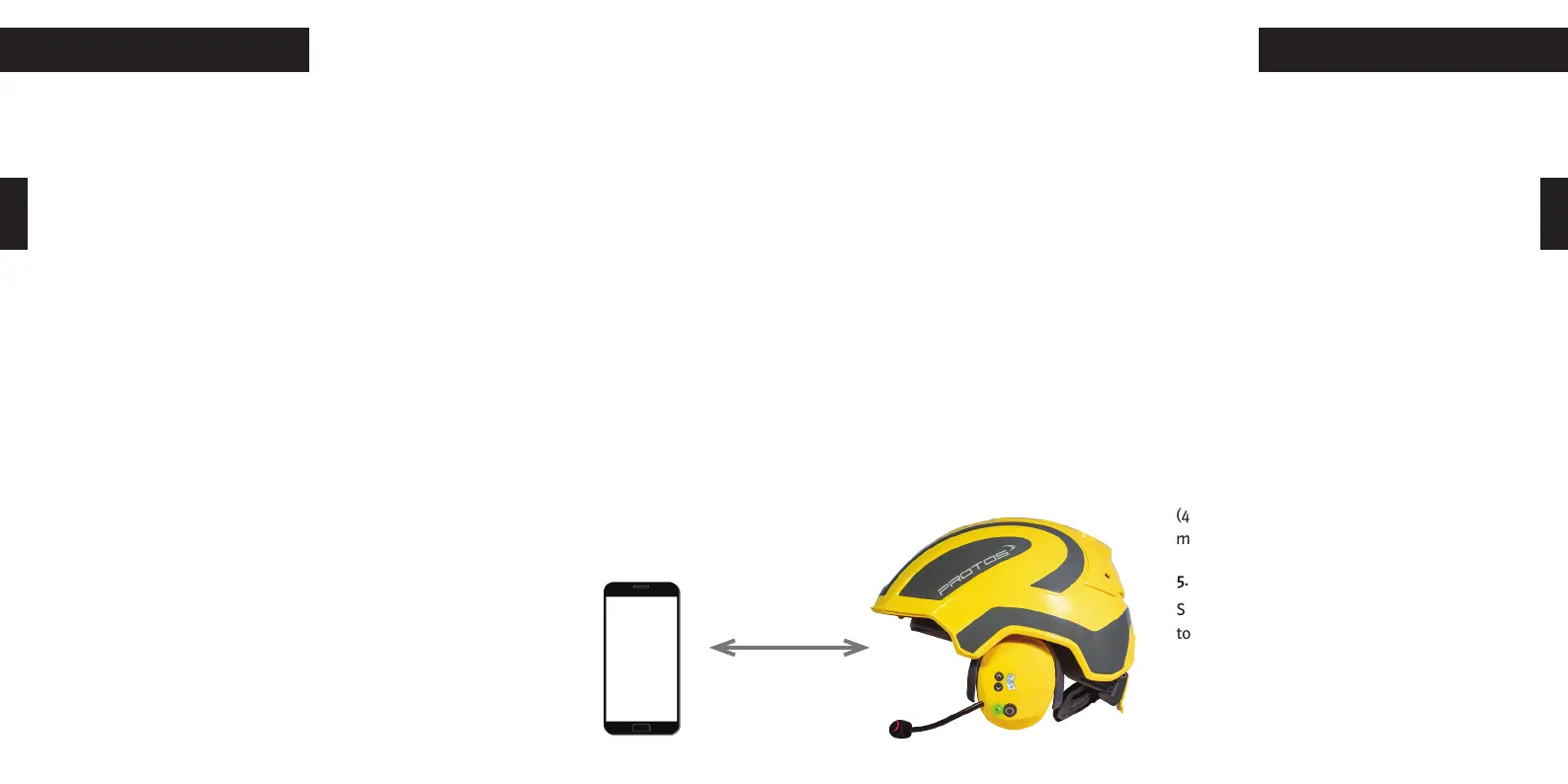
To connect your BT Com to a Bluetooth enabled device, such as a mobile phone or
MP3 player, proceed as follows:
1.) Switch on the BT Com by pressing the multifunction button (4).
2.) Please ensure that Bluetooth is activated on your mobile phone.
3.) Start pairing to the communication earmuff
Turn on the communication earmuff. Simultaneously press the multifunction button
(4) and the up button (1). The LED (3) starts to flash alternately red-green. After a few
seconds “Protos® BT Com” will appear on the display of the Bluetooth device. Confirm
the connection. After successfully pairing the LED (3) will flash twice periodically blue.
4.) Receive and reject incoming phone calls
To answer an incoming call with your BT Com, briefly press the multifunction button
(4). To reject an incoming call, press the
multifunction button (4) for 3 sec..
5.) Redial
Shortly press the multifunction button (4)
to redial the last called phone number.
Koppeln mit einem Bluetooth-fähigen Gerät
Sie können Ihr BT Com mit einem Bluetooth-fähigen Gerät, wie z.B. Mobiltelefon oder
Bluetooth-fähigem MP3-Player, verbinden. Gehen Sie dazu wie folgt vor!
1.) Schalten Sie das Gerät über die Multifunktionstaste (4) ein!
2.) Stellen Sie sicher, dass Bluetooth in den Einstellungen Ihres Mobiltelefons akti-
viert ist!
3.) Kopplung an der Kapsel auslösen
Stellen Sie sicher, dass die Kapsel eingeschaltet ist und drücken Sie gleichzeitig die
Multifunktionstaste (4) und die Aufwärtstaste (1). Die LED (3) blinkt abwechselnd rot-
grün. Nach einigen Sekunden erscheint “Protos® BT Com” auf dem Display. Bestätigen
Sie die Verbindung durch Antippen! Bei erfolgreicher Kopplung blinkt die LED (3) in
regelmässigen Abständen 2x blau auf.
4.) Eingehende Telefonanrufe entgegennehmen und abweisen
Um einen eingehenden Anruf direkt am BT Com anzunehmen, drücken Sie kurz die
Multifunktionstaste (4)! Um einen eingehenden Anruf abzuweisen,
drücken Sie die Multifunktionstaste (4) 3 Sek. lang!
5.) Wahlwiederholung
Drücken Sie kurz die Multifunktionstaste (4), um die letzte gewählte
Rufnummer erneut anzurufen!
20 21


 To Next Page
 Loading...