Step 5: Click Apply button to save the setting.
To delete mask area
Step 1: Click Setting button in the mask interface.
Step 2: Select a certain masked area and double click to delete that masked area.
Step 3: Then click Apply button to save the setting.
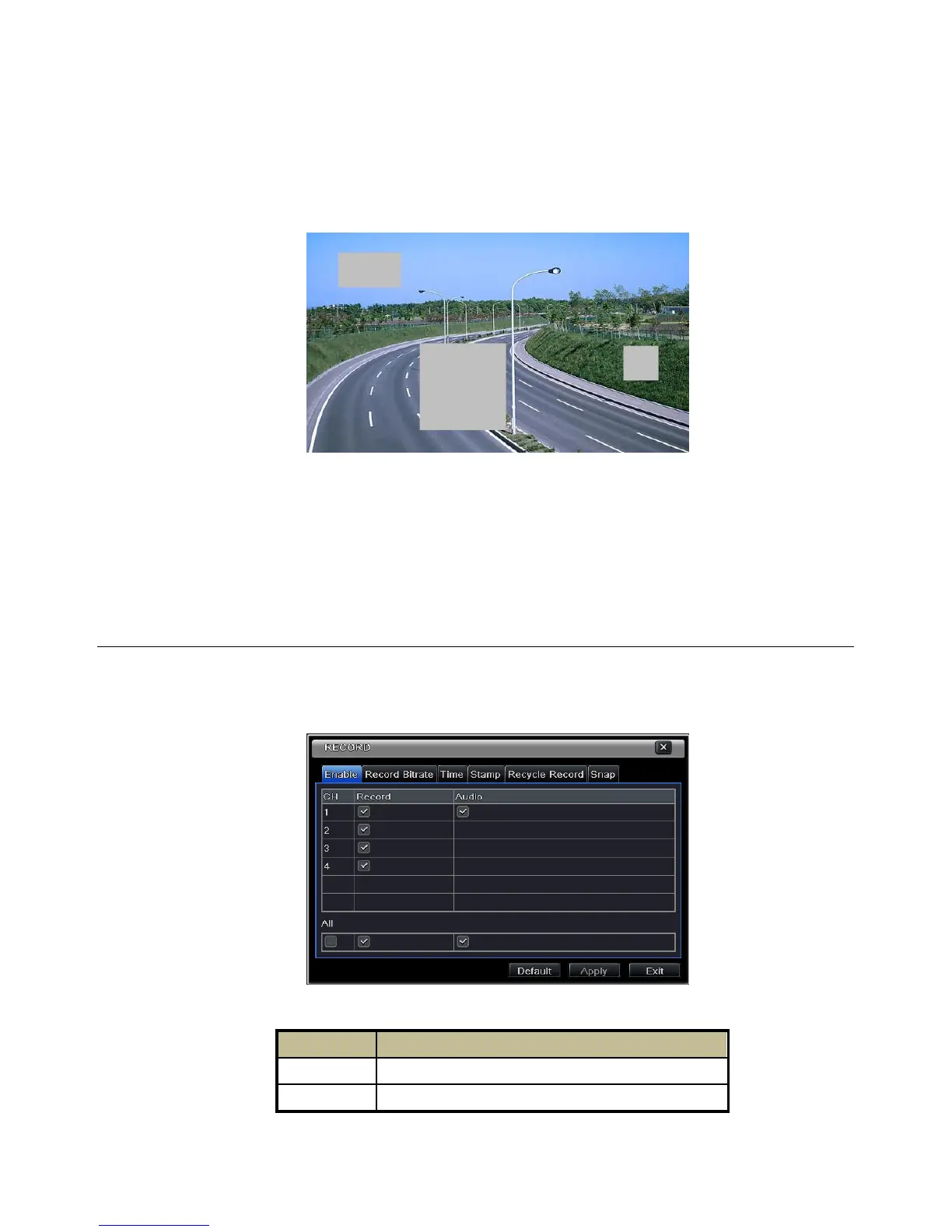
Fig 5-9 Setting Mask Area
5.3 Record Configuration
Record configuration includes six sub menus: enable, record bit rate, time, recycle record, stamp and snap.
Before Configuration, please make sure your NVR has been installed with HDD and has completed its
initialization.
5.3.1 Enable
Step 1: Enter into MenuSetupRecordEnable tab. Refer to Fig 5-10:
Step 2: Checkmark record and audio.
Fig 5-10 Record Configuration-Record
Step 3: Select All to set up the same settings for all channels.


 To Next Page