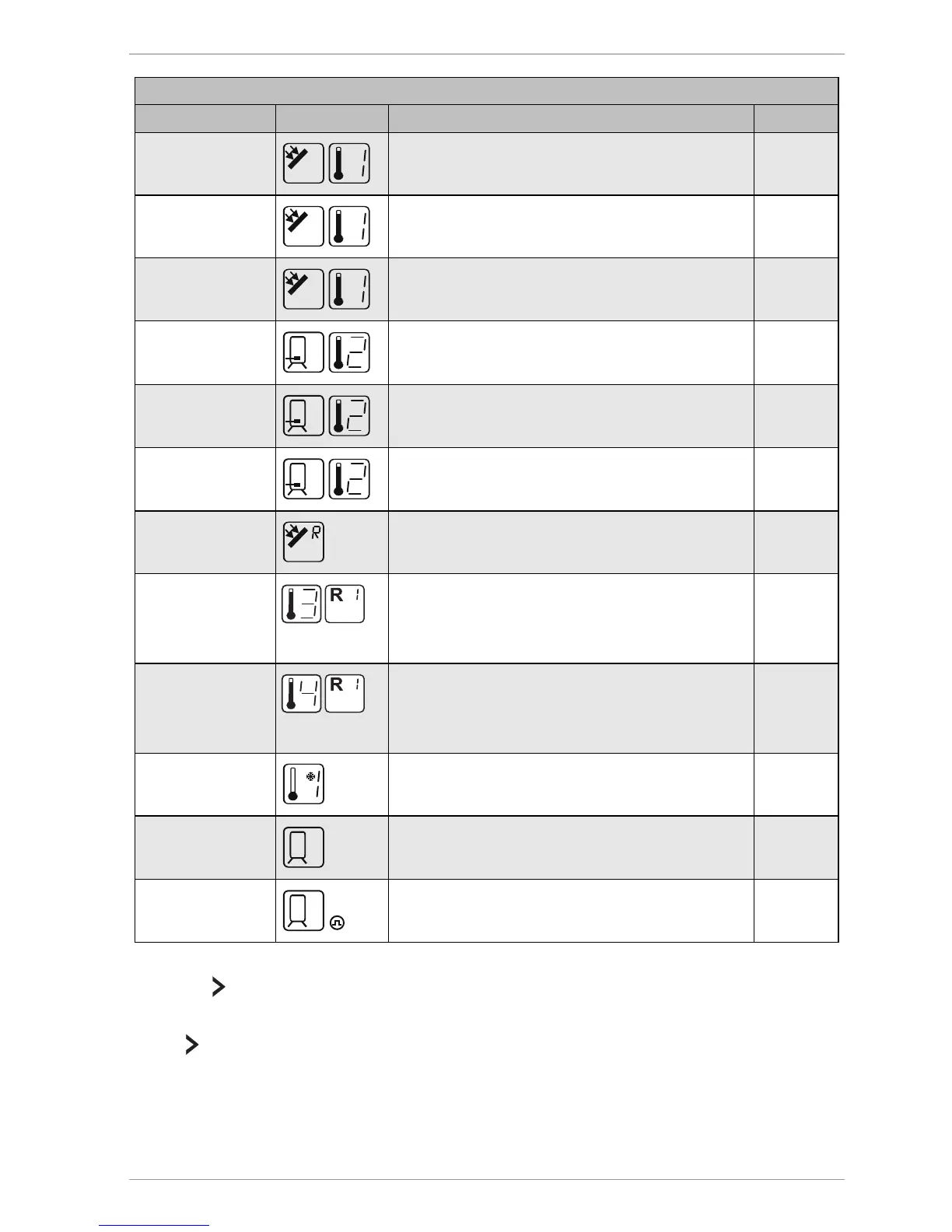
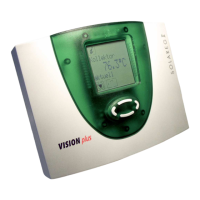
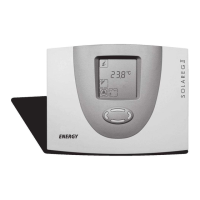
Displaying and changing the values in the menus
75 °C
Current temperature of collector
–
min. 12 °C
Minimum temperature of collector
×
max. 105 °C
Maximum temperature of collector
×
52 °C
Current temperature of storage tank
min. 40 °C
Minimum temperature of storage tank
–
max. 67 °C
Maximum temperature of storage tank
×
60 °C
Current temperature of collector return ×
60 °C
"Heating", "Cooling", "Temperature difference
controller" functions of a multi-function
controller (In this case: R1)
Sensor for the source (In this case: S
–
35 °C
"Heating", "Cooling", "Temperature difference
controller" functions of a multi-function
controller (In this case: R1)
–
5 °C
Anti-freeze sensor (In this case: Sensor S1)
–
1234 h
Operating hours for charging To 0 h
927 kWh
Energy output for the storage tank To 0 kWh
To reset a value, proceed as follows:
Select .
The OK symbol will be displayed.
Press
to confirm. The value will be reset.



 To Next Page