5 Operating the controller
This chapter provides you with an overview of the controller's display elements and
operating elements. This is followed by explanations of all the basic actions.
5.1 Description of the display elements
The main menu is located in the top part of the display. It is comprised of the following
menus:
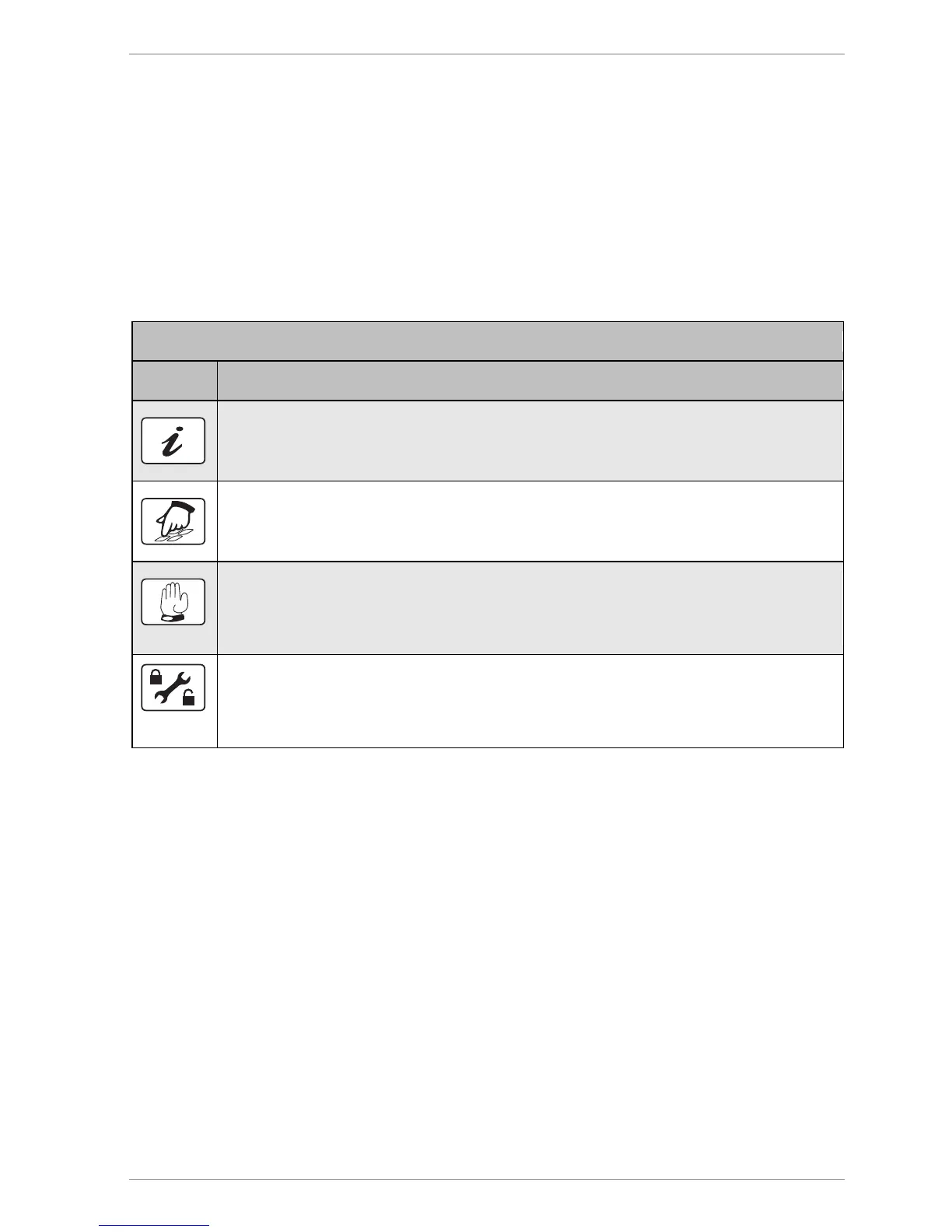
„Info“ menu
This is for displaying measurement and output values.
„Program“ menu
This is for displaying and changing parameters.
„Manual mode“ menu
This is for switching outputs on and off for test purposes. Only specialist personnel are
permitted to make changes to the values in this menu
„Basic settings“ menu
This is for displaying and changing basic settings. Only specialist personnel are
permitted to make changes to the values in this menu.



 To Next Page