Displaying and changing the values in the menus
6.2 Displaying and changing values in the "Program"
menu
The "Program" menu allows you to display and change the parameters. The "Current
settings" column allows you to enter your settings.
Risk of scalding from hot water as a result of incorrect settings.
Exercise particular care when configuring settings on the controller.
Take water samples after completion of the settings and check them
using a suitable thermometer.
Risk of system malfunctions due to incorrect settings
.
Set parameters only if you know their effects
.
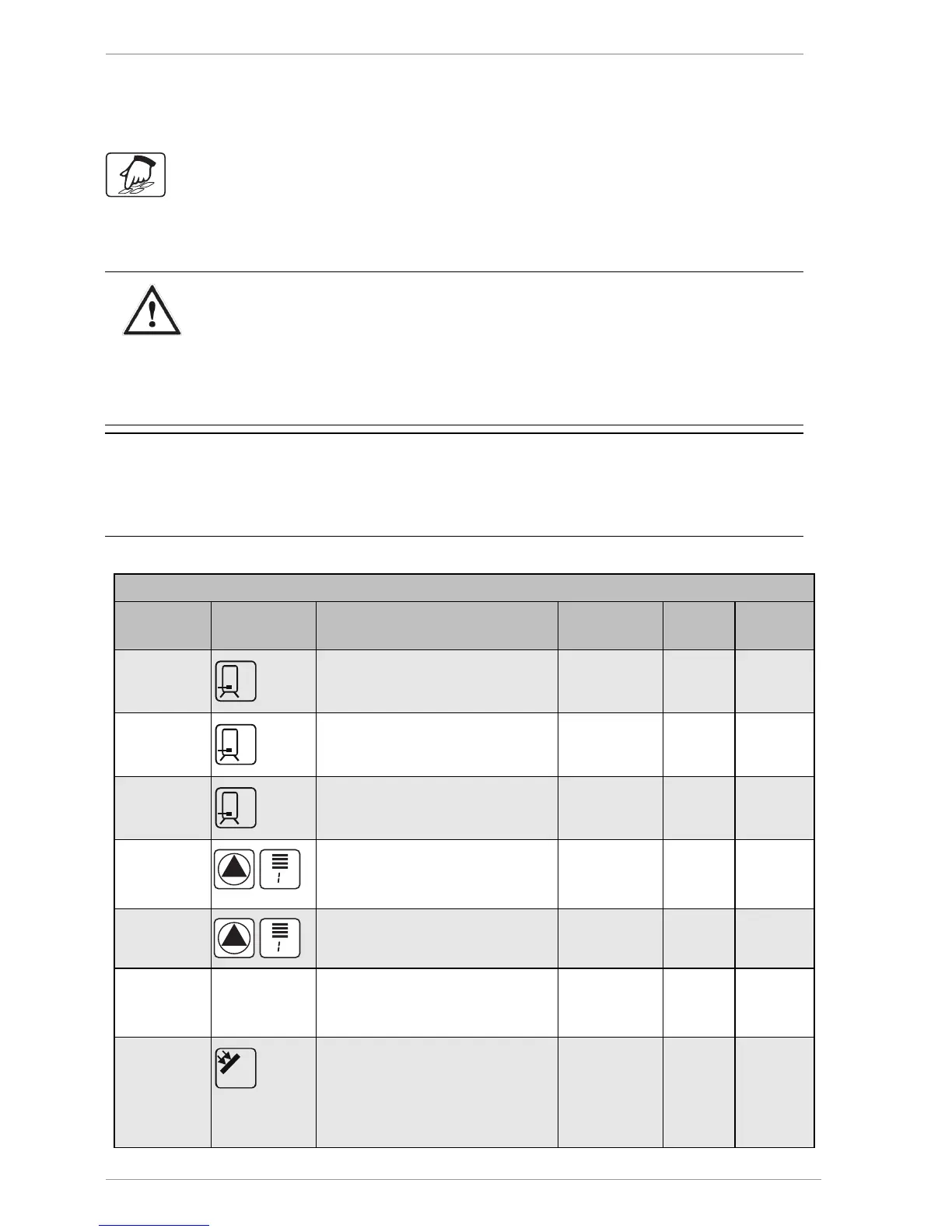
Value Symbol Description Range Factory
setting
Current
setting
max. 65 °C
Storage tank: Required maximum
temperature
15–95 °C 65 °C
dT max 7 K
Storage tank: Switch-on-
difference
3–40 K 7 K
dT min 3 K
Storage tank: Switch-off-
difference
2–35 K 3 K
min 100 %
Minimum pump output with
speed control.
100% = Speed control off.
30–100 % 100 %
max 100 %
Maximum pump output with
speed control.
30–100 % 100 %
15 s
The time that the pump runs at
the preset maximum output
0–30 s 15 s
min 40 °C
Target temperature for the
collector.
Only if "Target temperature" has
been selected as the charging
principle in the "Basic settings"



 To Next Page