Displaying and changing the values in the menus
6.3 Controlling switching outputs in the "Manual mode"
menu
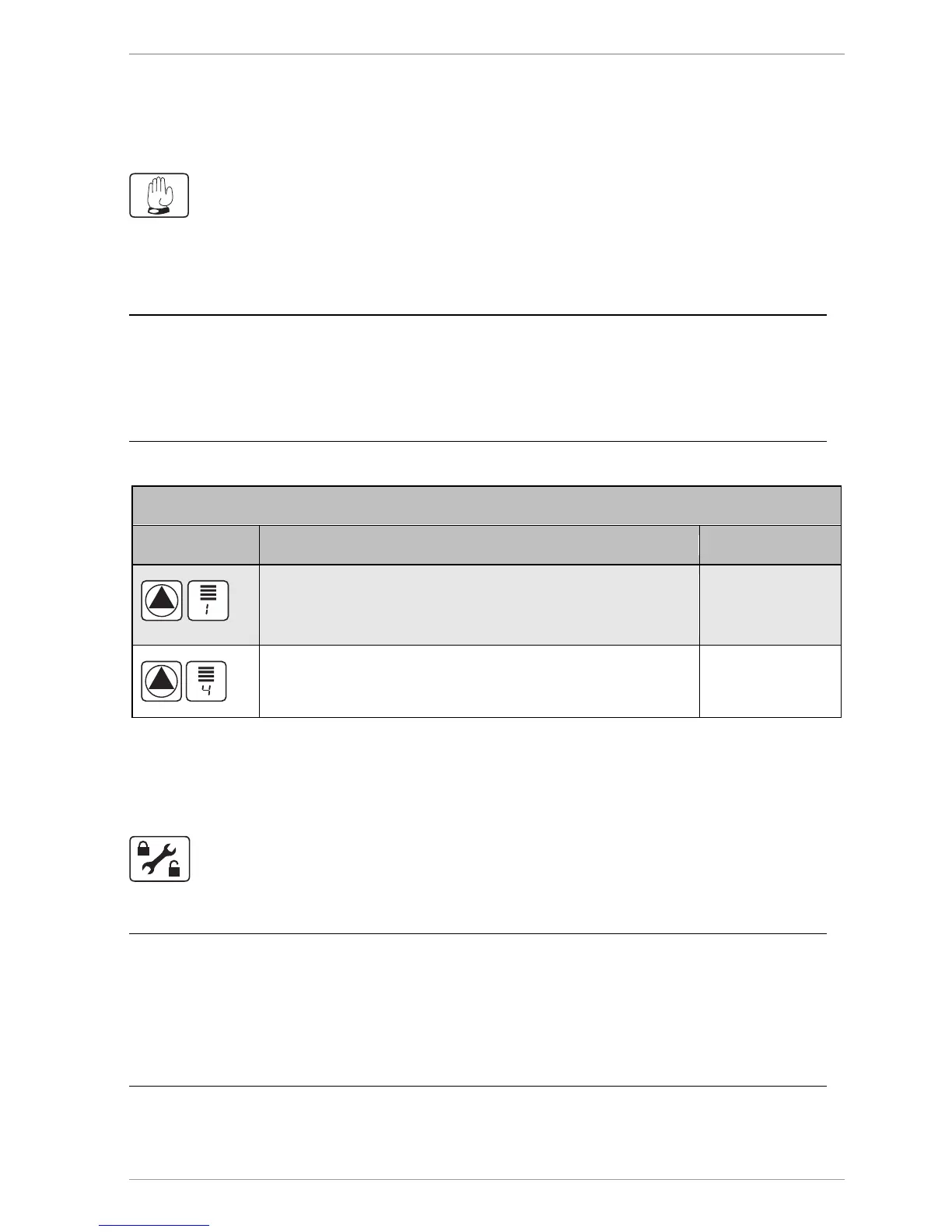
The "Manual mode" menu allows the controller's switching outputs to be turned on and off
for test purposes. To enable the controller to run in automatic mode again, you have to exit
manual mode after completion of setting tasks.
Risk of system malfunctions due to incorrect settings.
Make sure that only specialist personnel ever make any changes to the
values in this menu.
Symbol Description Current settings
Turning switching output R1 or HE1 on or off manually or
controlling it with incremental power control (30%-90%)
0% = off
30% – 90 %
100% = on
Turning switching output R0 (pump or valve) on and off
manually.
0 = aus
1 = ein
6.4 Displaying and changing values in the "Basic
settings" menu
The "Basic settings" menu allows you to display and change basic settings.
Risk of system malfunctions due to incorrect settings.
Make sure that users use only user mode.
Make sure that the values are only ever changed by specialist
personnel.



 To Next Page