Stop 20:00
4
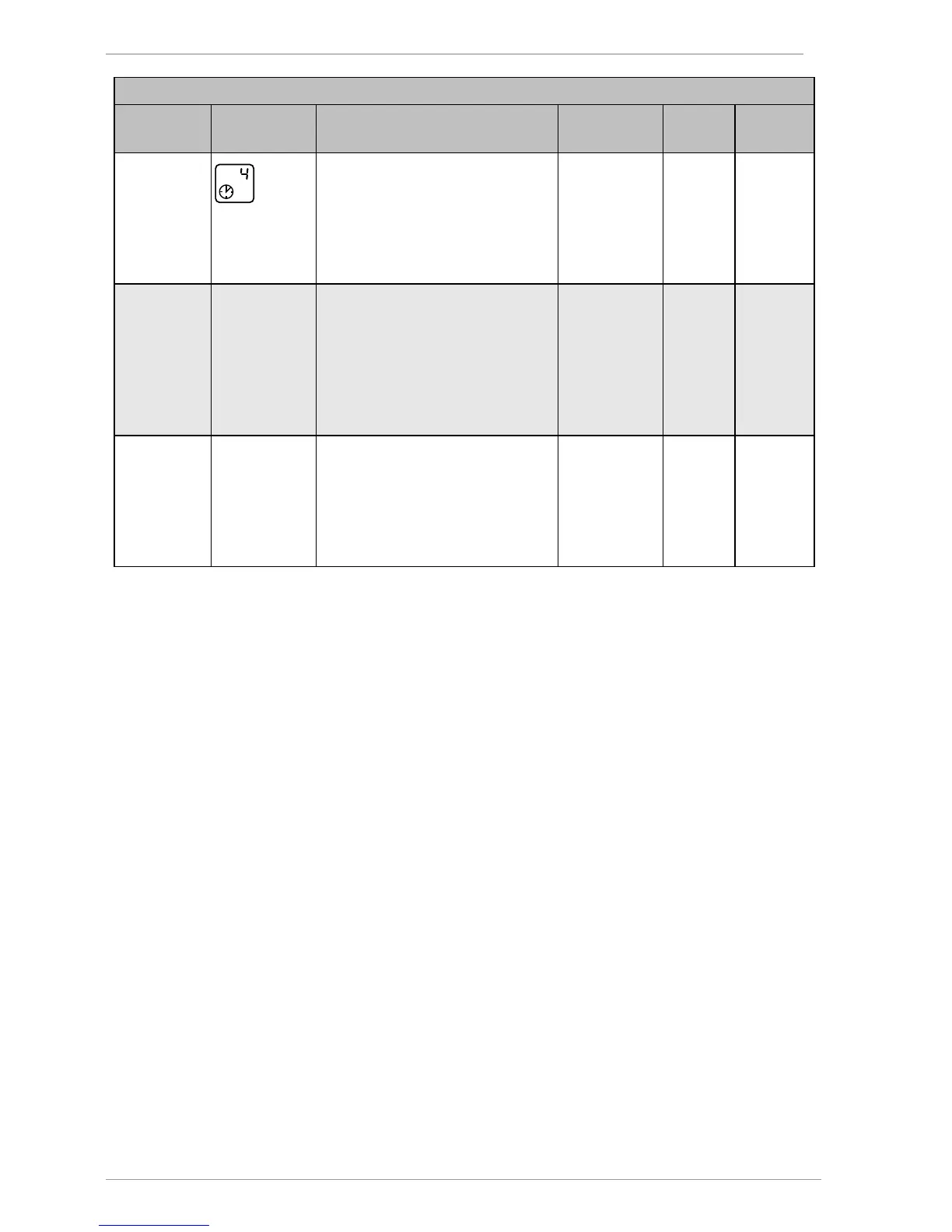
Time window 4: Stop for the
"Tube collector" and "Drain-back"
functions. Only if the time
controller has been activated for
these functions in the "Basic
settings" menu.
00:00–23:59 20:00
Sd: 1
Deactivate microSD card
0 = deactivated
1 = activated (automatic if a
microSD card is inserted)
This menu item will be displayed
only if a microSD card has been
inserted.
0–1 0
Sd: L 60s
Data logging (data storage):
Logging interval
1s = seconds: Data will be written
every second.
60s = minutes: Data will be



 To Next Page