Psion Teklogix NETBOOK PRO Win CE 4.2 User Manual 107
Chapter 7: Troubleshooting And Tips
Device Conflicts
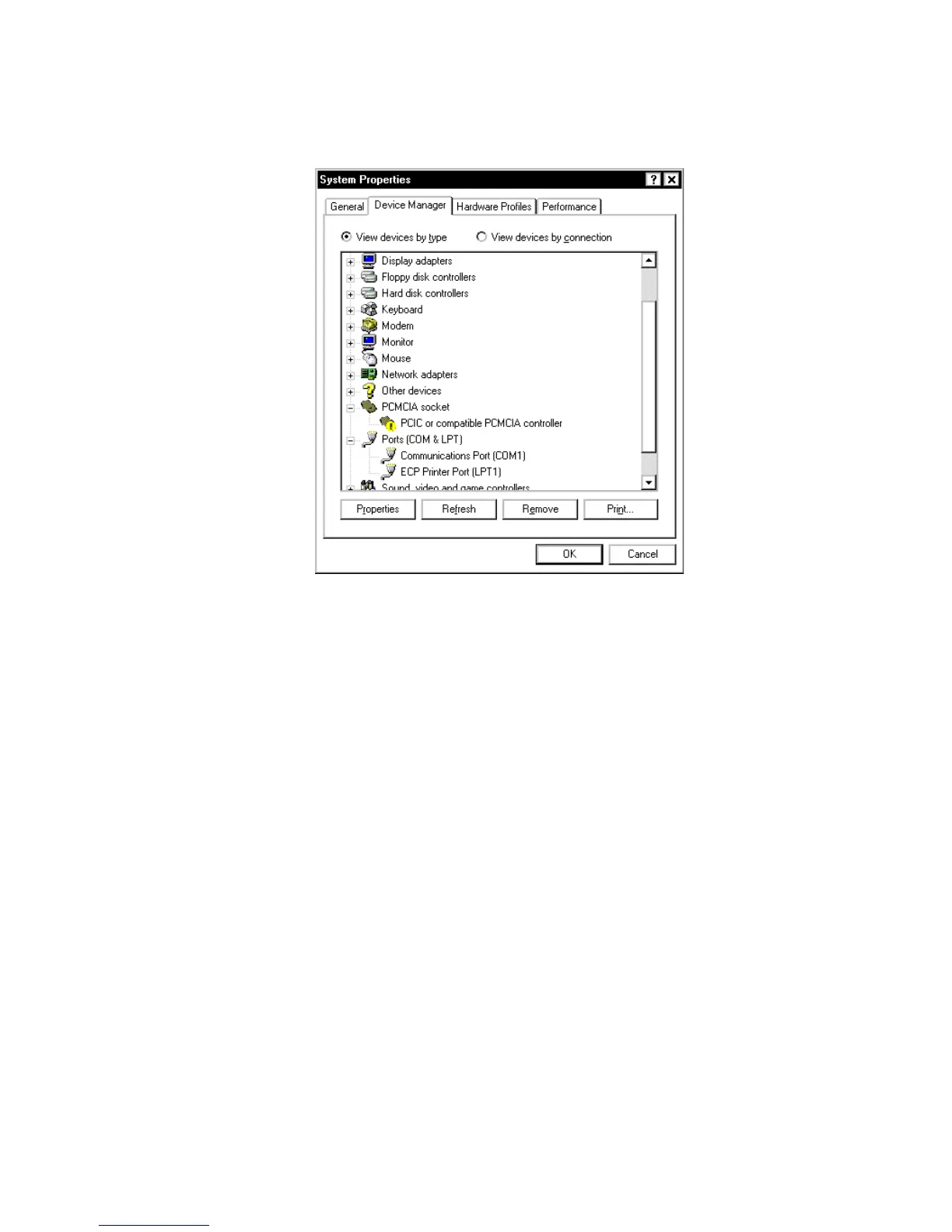
4. There is no Device Manager in Windows NT 4.0. The closest is a list of
IRQs, I/O ports and DMA channels. These are accessed by the Start
button, selecting Programs, then Administrative Tools (Common),
then Windows NT Diagnostics. Select the Resources page in the
Windows NT Diagnostics dialog box. If you do not have this option or
you are in any doubt about it, you should contact your Systems Admin-
istrator.



 To Next Page