Chapter 2: Getting Started
Connecting USB Accessories
28
Psion Teklogix NETBOOK PRO Win CE 4.2 User Manual
2.7 Connecting USB Accessories
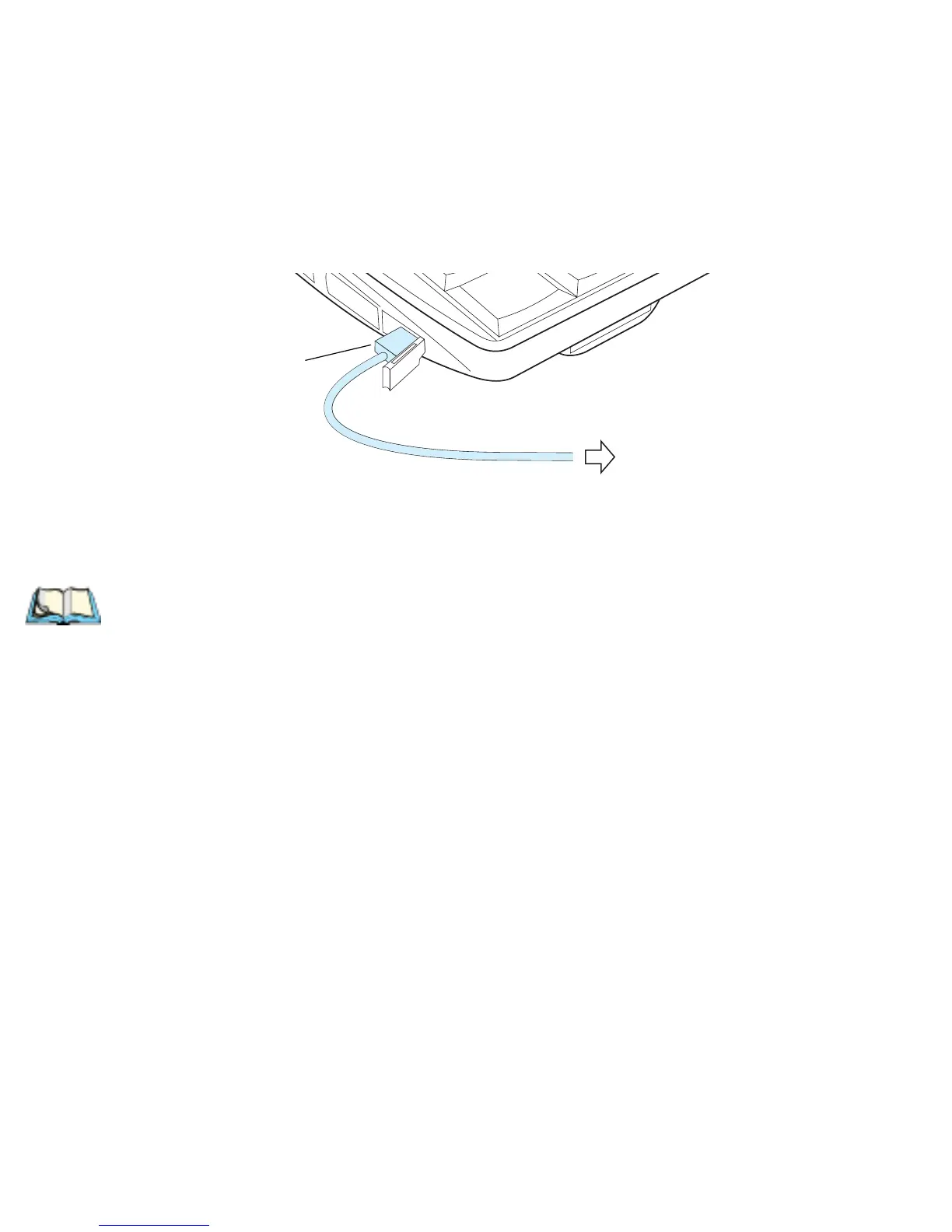
The NETBOOK PRO can accept USB accessories, such as a mouse or printer. The
NETBOOK PRO’s USB connector is located at the lower left of the device:
To connect:
plug the accessory into the USB port. The NETBOOK PRO will search the
USB interface for the device and display a dialog that it has been found.
Note: If the connected accessory requires drivers, they must be loaded through
ActiveSync or from a memory card before the accessory is connected.
To USB Peripheral
USB Mini Type-A Connector



 To Next Page