Chapter 4: Files, Folders, and Programs
The Storage Manager
56
Psion Teklogix NETBOOK PRO Win CE 4.2 User Manual
4.12 The Storage Manager
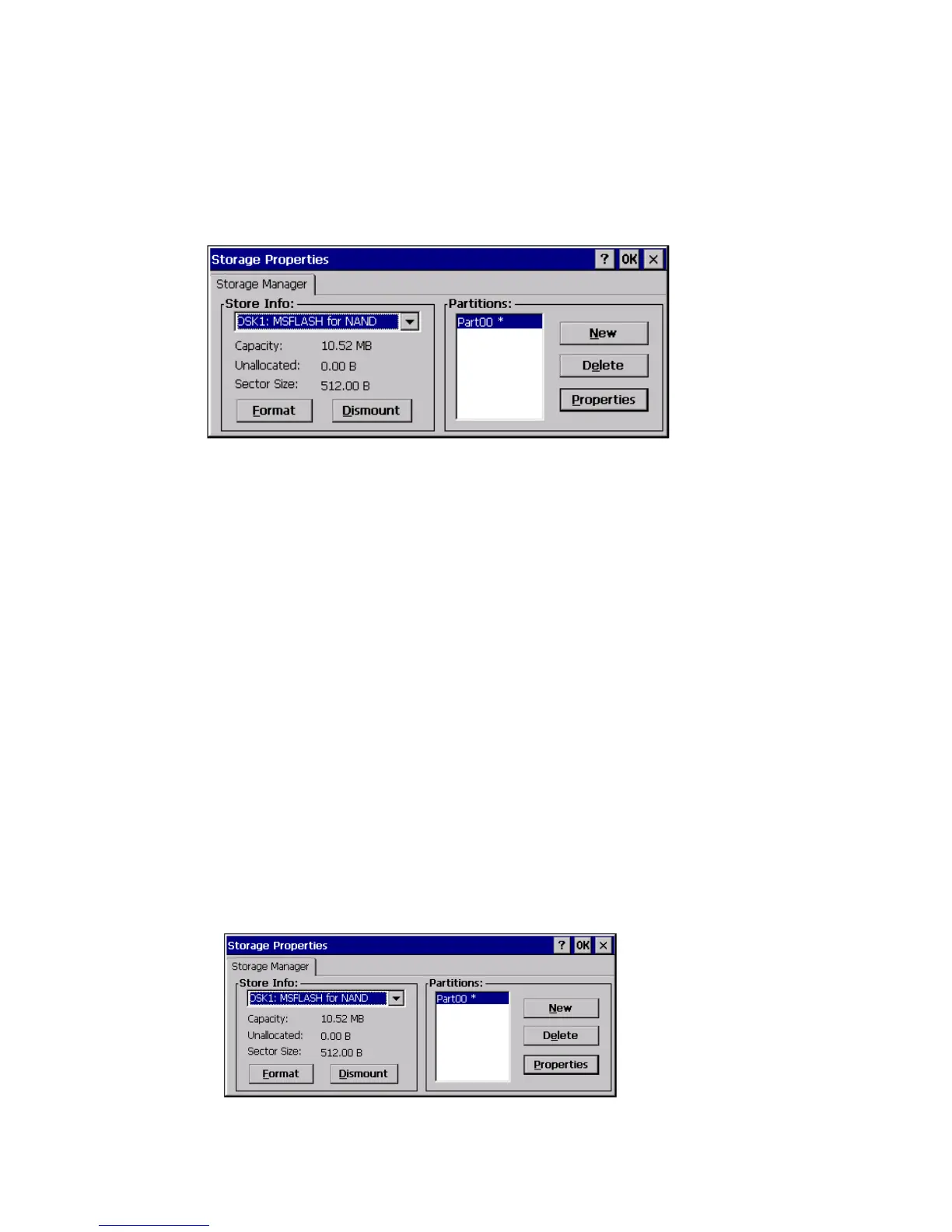
Double-click on the Storage Manager icon to open the Storage Manager dialog:
The Storage Manager allows the user to view information about the storage devices
that are present in the NETBOOK PRO. Storage devices include MMC/SD flash
cards, PCMCIA flash cards and microdrives, and CompactFlash cards and micro-
drives.
4.12.1 Formatting A Memory Card
Formatting a memory card bulk-erases it. Once a card is erased, partitions may be
created in it, similarly to those on a hard drive.
Memory-card devices are normally ‘mounted’ (made available to the system)
automatically when they are inserted. They must be dismounted before they can be
formatted.
To format an entire memory card:
1. Select Start, Control Panel.
2. Double-click on the Storage Manager icon. The Storage Manager
opens:



 To Next Page