Psion Teklogix NETBOOK PRO Win CE 4.2 User Manual 33
Chapter 2: Getting Started
First Steps
2.10 First Steps
When you first switch on the NETBOOK PRO, you will see the Windows CE
desktop. At this time it is a good idea to set the date and time. To do this:
1. Press the Start button. Select Settings, Control Panel. The Windows
Control Panel opens.
2. Double-tap on Date/Time Properties. The Date/Time Properties dialog
appears.
3. Set the desired date and time values.
4. Click the OK button in the Date/Time Properties dialog to close and
save your changes.
Note: You can also double tap the time indication in the taskbar to open the
Date/Time Properties dialog.
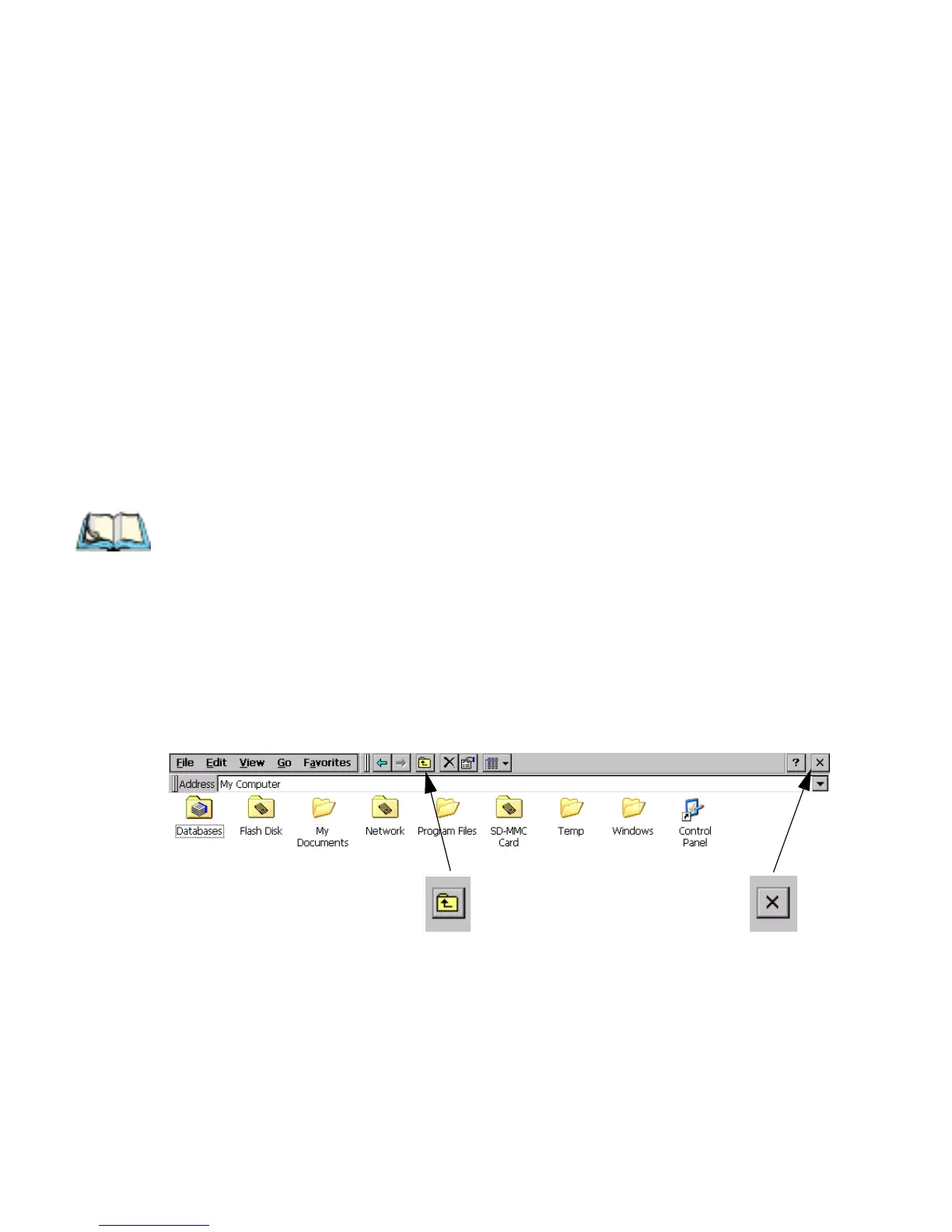
2.10.1 Navigating Between Files And Folders
• Double-click on a folder icon to open that folder. To close the folder, click
on the X icon at the far right of the menu bar. Click on the Up Folder icon
to move back up one level.
• Click on a file to select it. Double-click to open it.
‘Up Folder’ Icon ‘Close’ Icon



 To Next Page