Psion Teklogix NETBOOK PRO Win CE 4.2 User Manual 85
Chapter 6: Configuring Communications
Bluetooth Radio Configuration
26. The Dial-Up Connection screen reappears.
The new GSM/GPRS dial-up connection is now configured.
You may need a username and password to use the connection. These are provided
by your service provider.
Note: Not all providers require a user name or password.
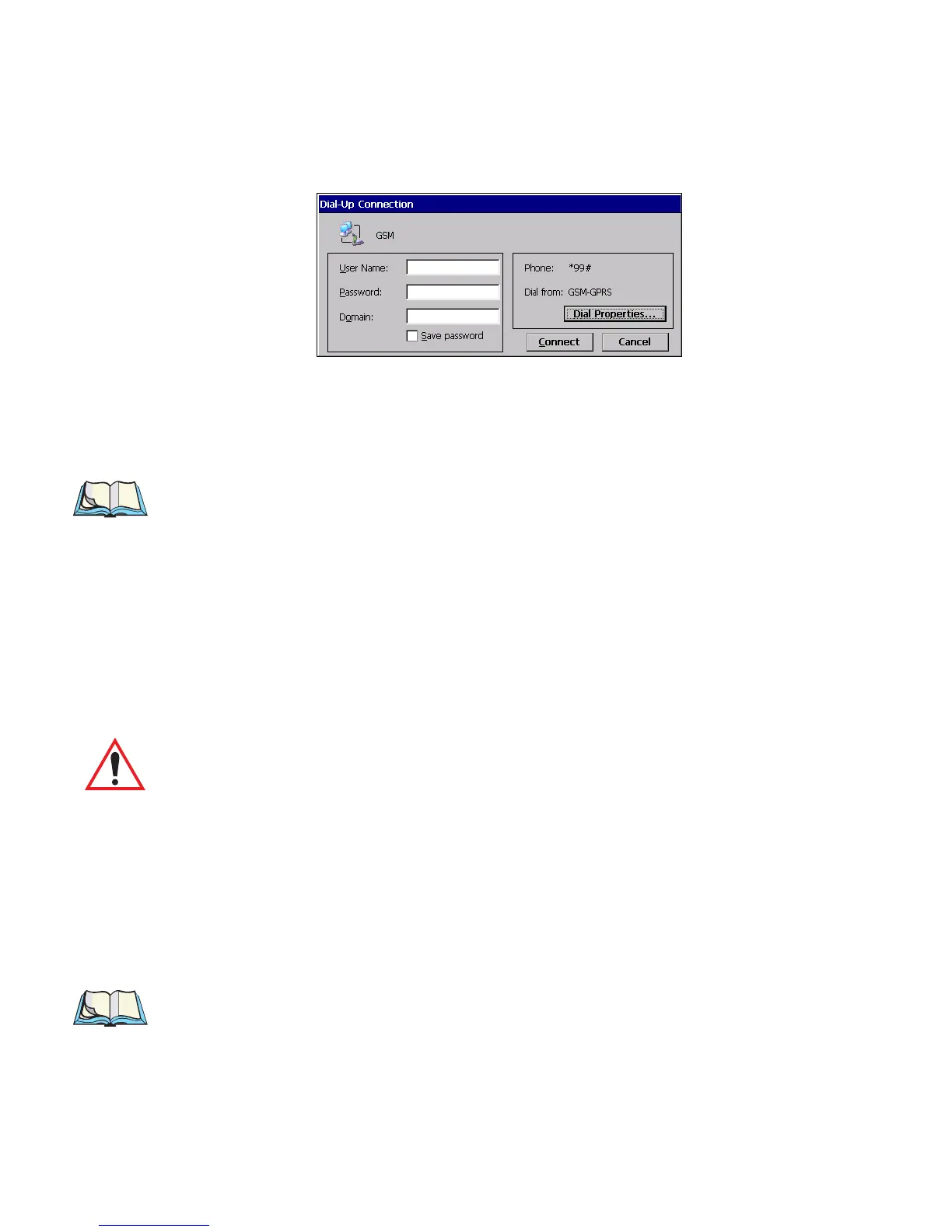
To use the GSM/GPRS connection:
1. Double-click on the connection icon. The Dial-Up Connection
dialog appears.
1. Enter your User Name and Password, if your provider has given
you one.
2. Click on the Connect button.
Important: While GSM/GPRS is active, ActiveSync will not be available.
6.4 Bluetooth Radio Configuration
Bluetooth is a global standard for wireless connectivity for digital devices. The tech-
nology is based on a short-range radio link that operates in the ISM band at 2.4 GHz.
When two Bluetooth-equipped devices come within 10 meters’ range of each other,
they can establish a connection. Because Bluetooth uses a radio-based link, it
doesn't require a line-of-sight connection in order to communicate.
Note: The Bluetooth radio card uses an internal antenna.
The following menus provide the configuration settings for the Bluetooth radio
card. For details on setting up a modem through the serial port, please refer to “Con-
necting The Modem” on page 94.



 To Next Page