Chapter 6: Configuring Communications
GSM/GPRS Radio Configuration
84
Psion Teklogix NETBOOK PRO Win CE 4.2 User Manual
19. Enter the name GSM-GPRS for the new dial location.
20. Press OK. The New Dial Location dialog reappears.
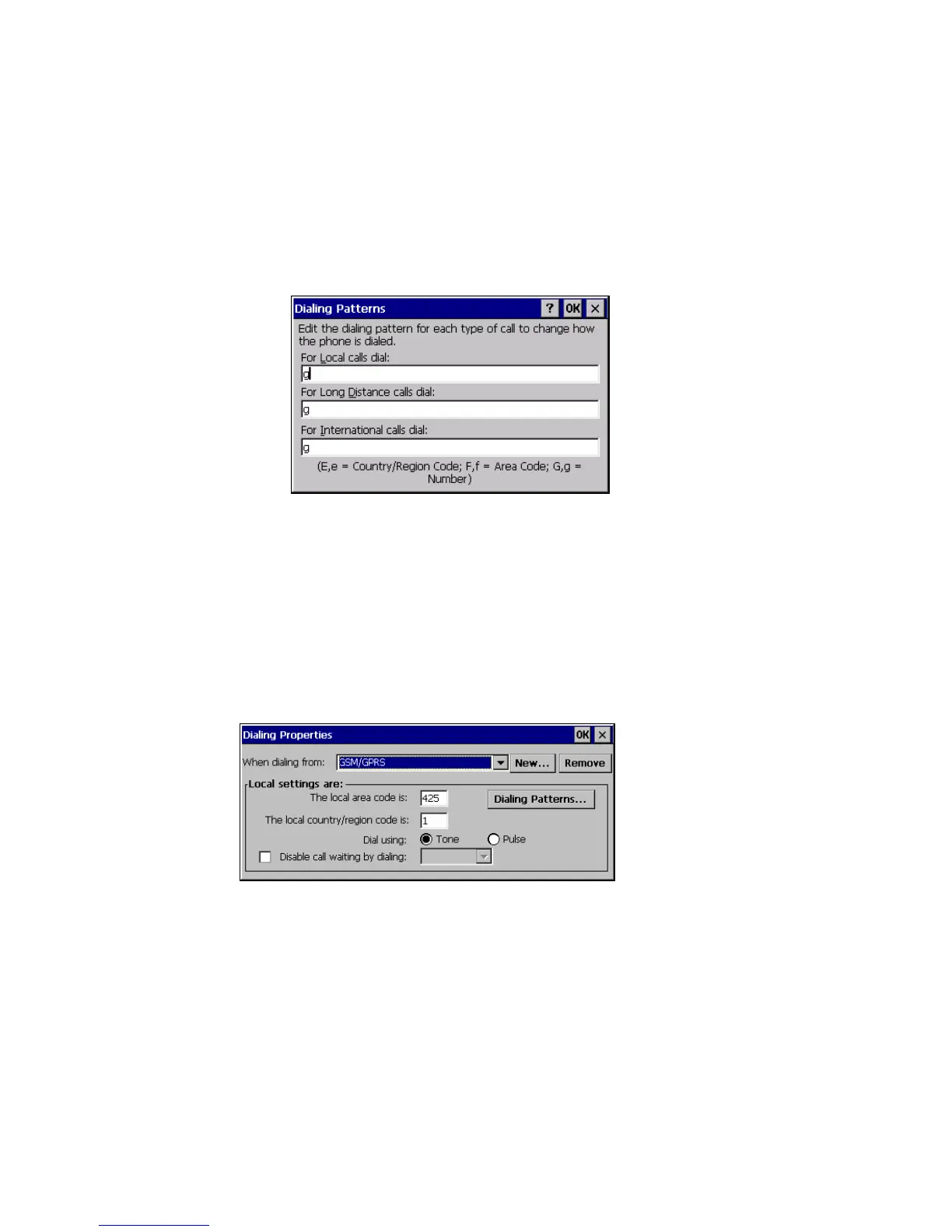
21. Press the Dialing Patterns button. The Dialing Patterns dialog
appears.
22. Enter ‘g’ for the dial strings. This instructs the connection to dial the
phone number with no additional characters.
23. Press the OK button. The Dialing Properties dialog reappears.
24. Press the OK button. The new dial location is saved.
25. From the When dialing from: dropdown list, select GSM-GPRS. Click
OK.



 To Next Page