Chapter 2: Getting Started
Resetting The NETBOOK PRO
30
Psion Teklogix NETBOOK PRO Win CE 4.2 User Manual
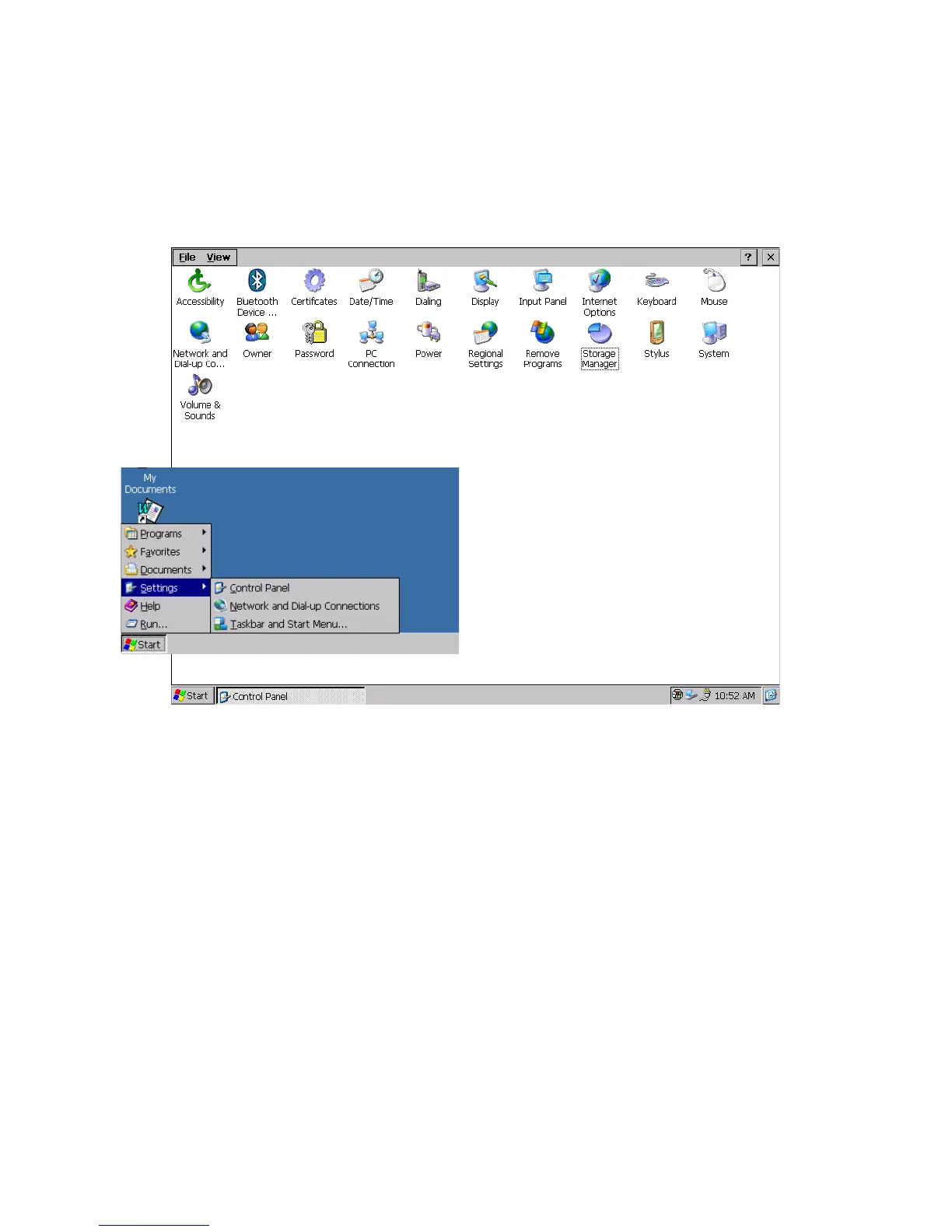
The Control Panel:
The Control Panel contains settings for various system features of the
NETBOOK PRO. It is accessible by selecting Start, Settings, Control Panel:
Figure 2.14 Control Panel
2.9 Resetting The NETBOOK PRO
If you find that you can’t exit a program normally, you can end the program from
the Task Manager.
To open the Task Manager, perform one of the following:
•Press the Alt and Tab keys simultaneously.
•Press the Ctrl, Alt, and Delete keys simultaneously for less than three sec-
onds:
The Task Manager appears. Select the task that appears to be unresponsive and click
on the End Task button.



 To Next Page