Psion Teklogix NETBOOK PRO Win CE 4.2 User Manual 57
Chapter 4: Files, Folders, and Programs
Creating Partitions
3. Select the memory card from the drop-down list.
4. Press the Dismount button to dismount the memory card. All partitions
on the card will be dismounted.
5. Press the Format button to format the memory card.
Warning: All partitions and information on the card will be erased during the
formatting process.
4.12.2 Creating Partitions
Once the card is formatted, new partitions can be created in it. The default is to
create one partition that occupies the whole card, but a card can be divided into
more than one partition if desired. Each partition appears as a separate folder in
Windows Explorer.
To create new partitions:
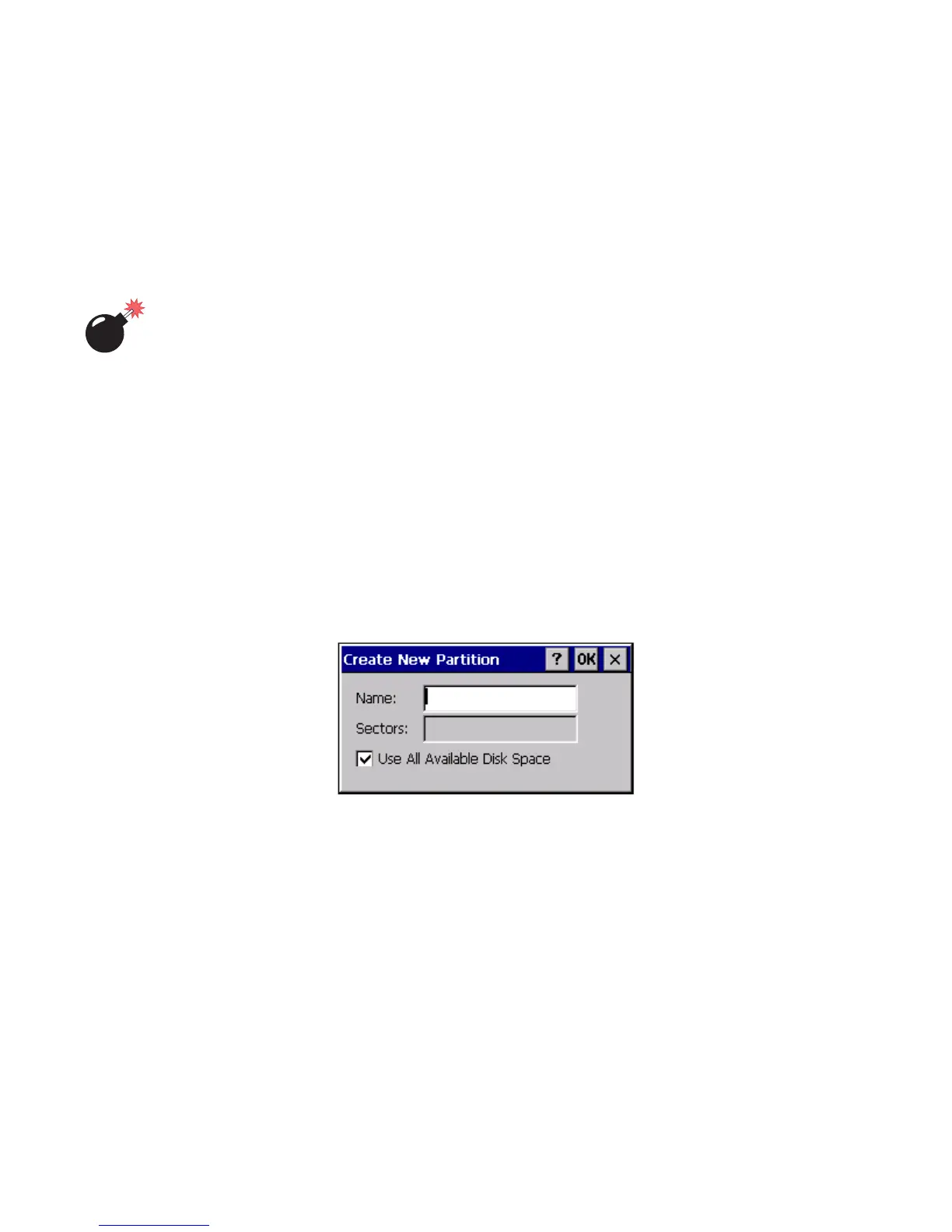
1. Press the New button next to the Partitions listbox. The New Partition
dialog appears:
2. Enter a name for the partition.



 To Next Page