Psion Teklogix NETBOOK PRO Win CE 4.2 User Manual 29
Chapter 2: Getting Started
The Start Button And Taskbar
2.8 The Start Button And Taskbar
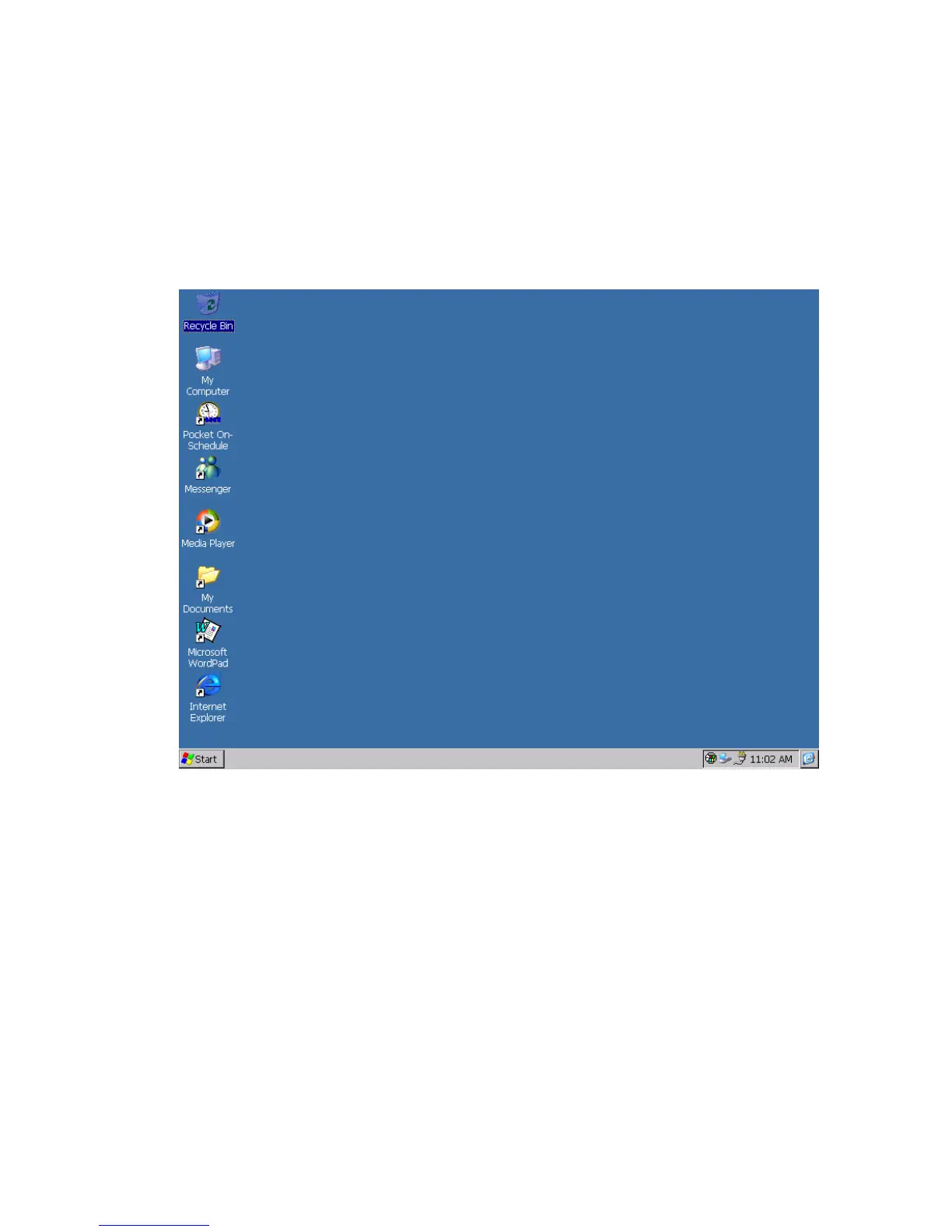
By default, the NETBOOK PRO screen has a ‘taskbar’ across the lower edge of the
display. At the left of the taskbar is a ‘Start button’, which gives easy access to the
programs in the device.
Start Menu:
The Start menu provides convenient access to the NETBOOK PRO’s programs
and settings. Display it by clicking on the Start button:



 To Next Page