Psion Teklogix NETBOOK PRO Win CE 4.2 User Manual 11
Chapter 2: Getting Started
Features Of The NETBOOK PRO
2.1 Features Of The NETBOOK PRO
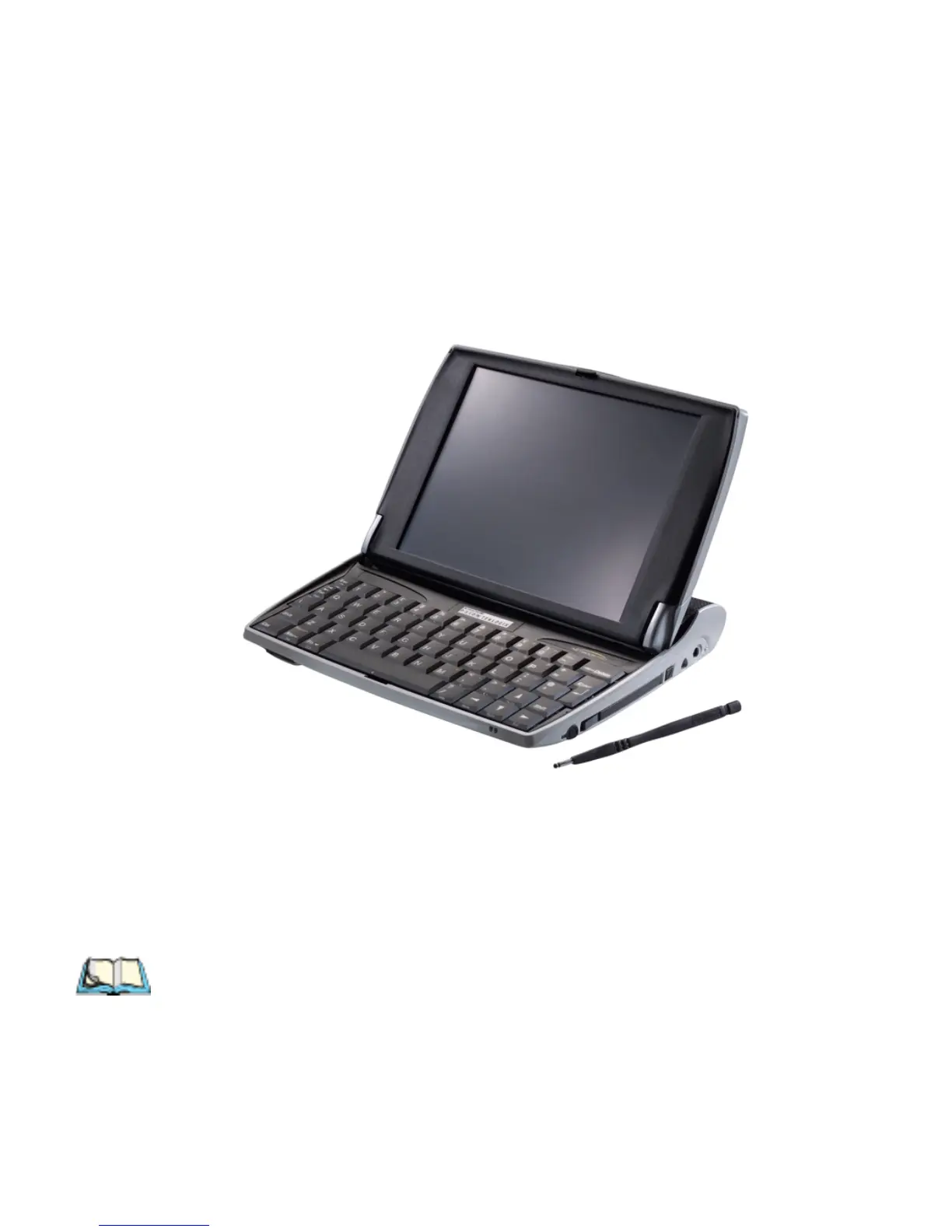
The NETBOOK PRO is a sub-notebook mobile computer using the Windows
®
CE.Net operating system, with an SVGA touch-sensitive screen. The NETBOOK
PRO is lightweight and designed for use in a wide range of business areas including
field service, field sales, transport, health care, hospitality, manufacturing and insur-
ance.
Figure 2.1 The NETBOOK PRO
2.2 Turning On And Off
To switch on:
open the NETBOOK PRO.
Note: In its default configuration, the NETBOOK PRO will wake up when the
case is opened, and sleep when the case is closed. These and other power-
on/power-off options can be changed on the Advanced tab of the Power
Properties control panel.



 To Next Page