Psion Teklogix NETBOOK PRO Win CE 4.2 User Manual 21
Chapter 2: Getting Started
Power Properties
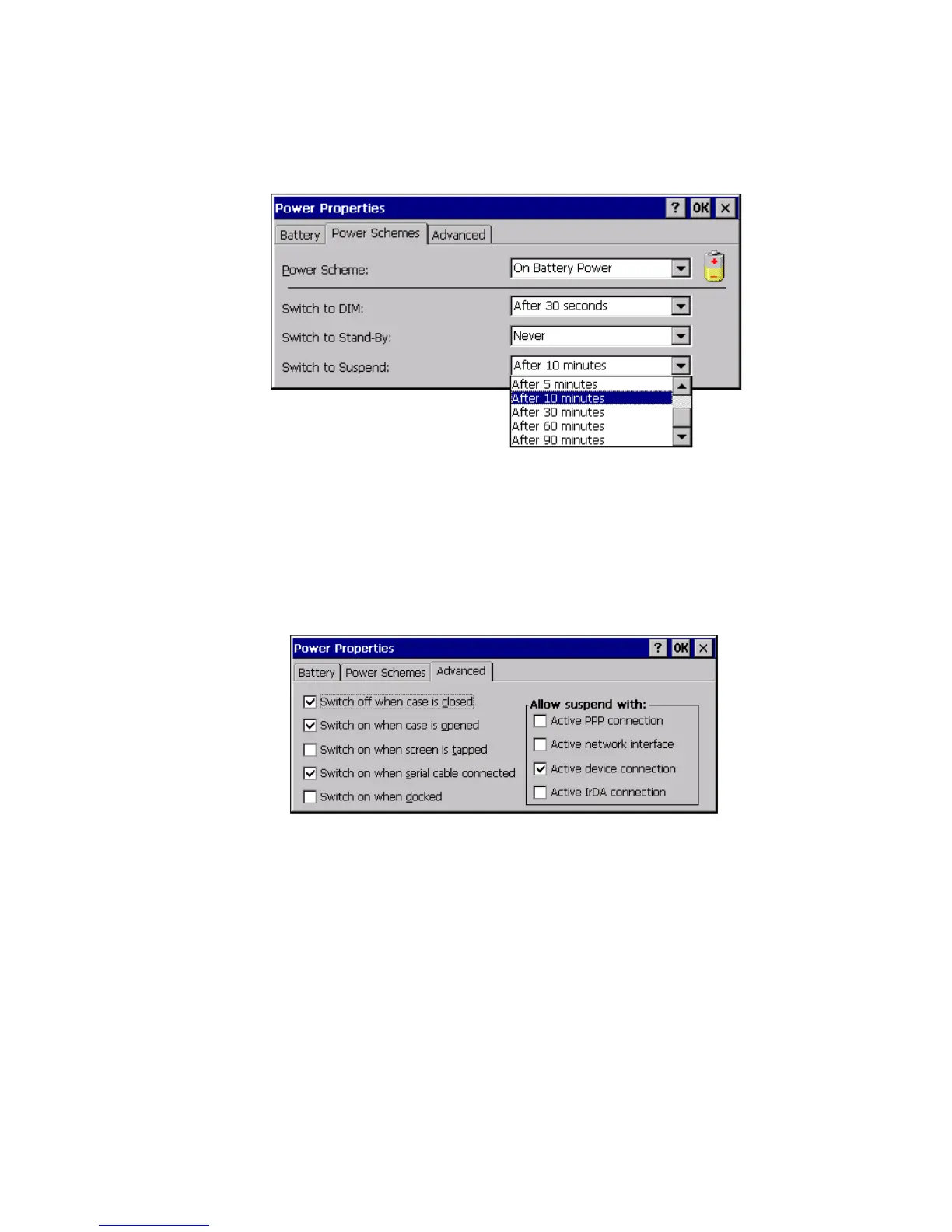
Figure 2.7 Power Schemes: Switch To Suspend Menu
2.5.1.4 The Advanced Tab
The Advanced tab of the Power Properties dialog contains settings that govern when
the NETBOOK PRO will switch on and off:
Figure 2.8 Power Properties: Advanced
The NETBOOK PRO can be configured to switch off when its case is closed, and
switch on when its case is opened (these are the default settings).It can also be con-
figured to switch on when a serial cable is connected, or when the screen is tapped.
The NETBOOK PRO can be configured to enter the Suspend state when it has an
active PPP, network, device, or infrared (IrDA) connection. By default, it will not
enter Suspend state when one of these connections is active.



 To Next Page