Psion Teklogix NETBOOK PRO Win CE 4.2 User Manual 83
Chapter 6: Configuring Communications
GSM/GPRS Radio Configuration
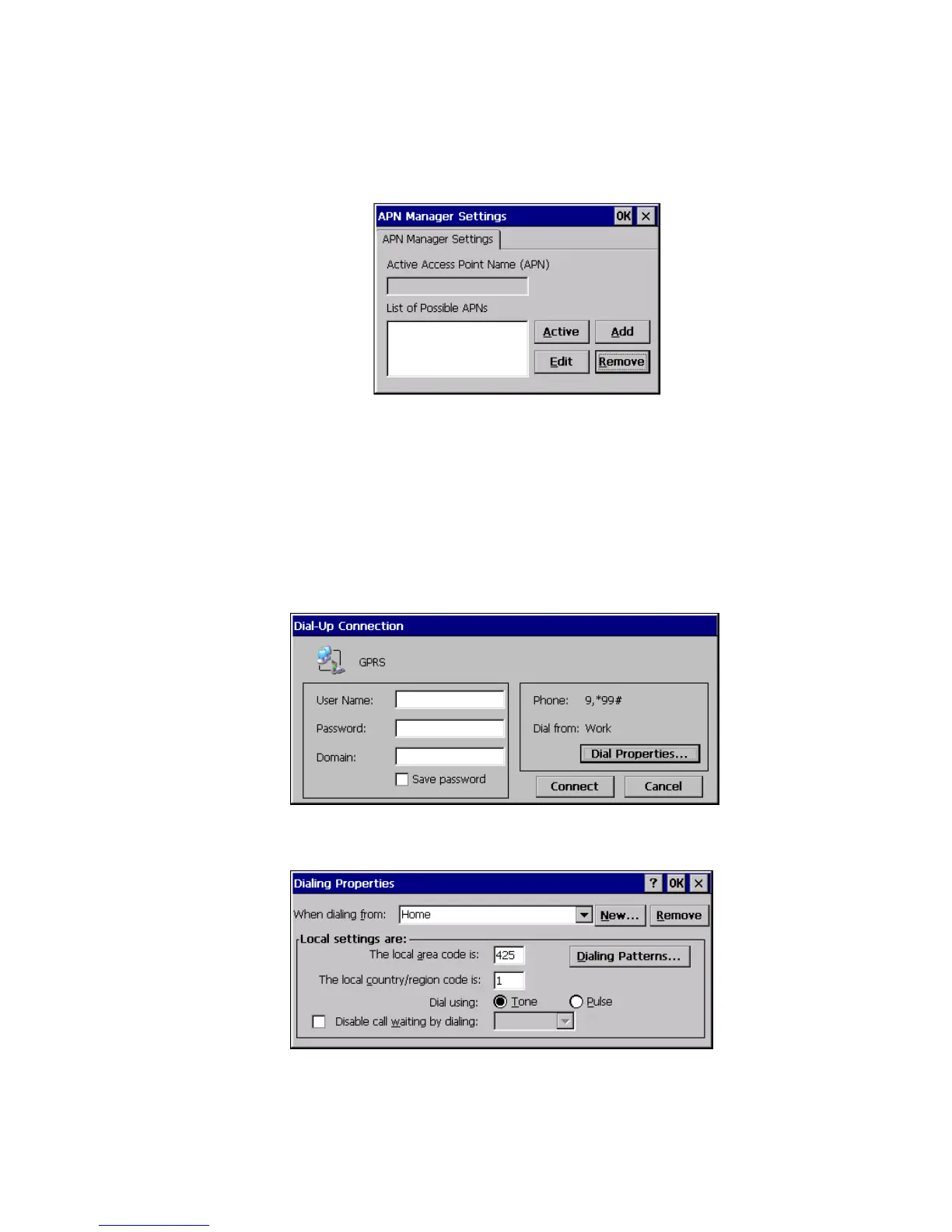
13. In the APN Manager, click on the Add button.
14. Enter the name of the APN, as supplied by the GSM/GPRS service pro-
vider, in the box.
15. Click on the OK button. The APN Manager dialog disappears, and the
Network Connections screen reappears.
16. Double-click on the new GPRS connection. This will bring up the
Dial-Up Connection dialog. Click on the Dial Properties... button.
17. This will bring up the Dialing Properties dialog box.
18. Click the New button. The Create New Location dialog appears.



 To Next Page