Chapter 7: Troubleshooting And Tips
Temp Folder
110
Psion Teklogix NETBOOK PRO Win CE 4.2 User Manual
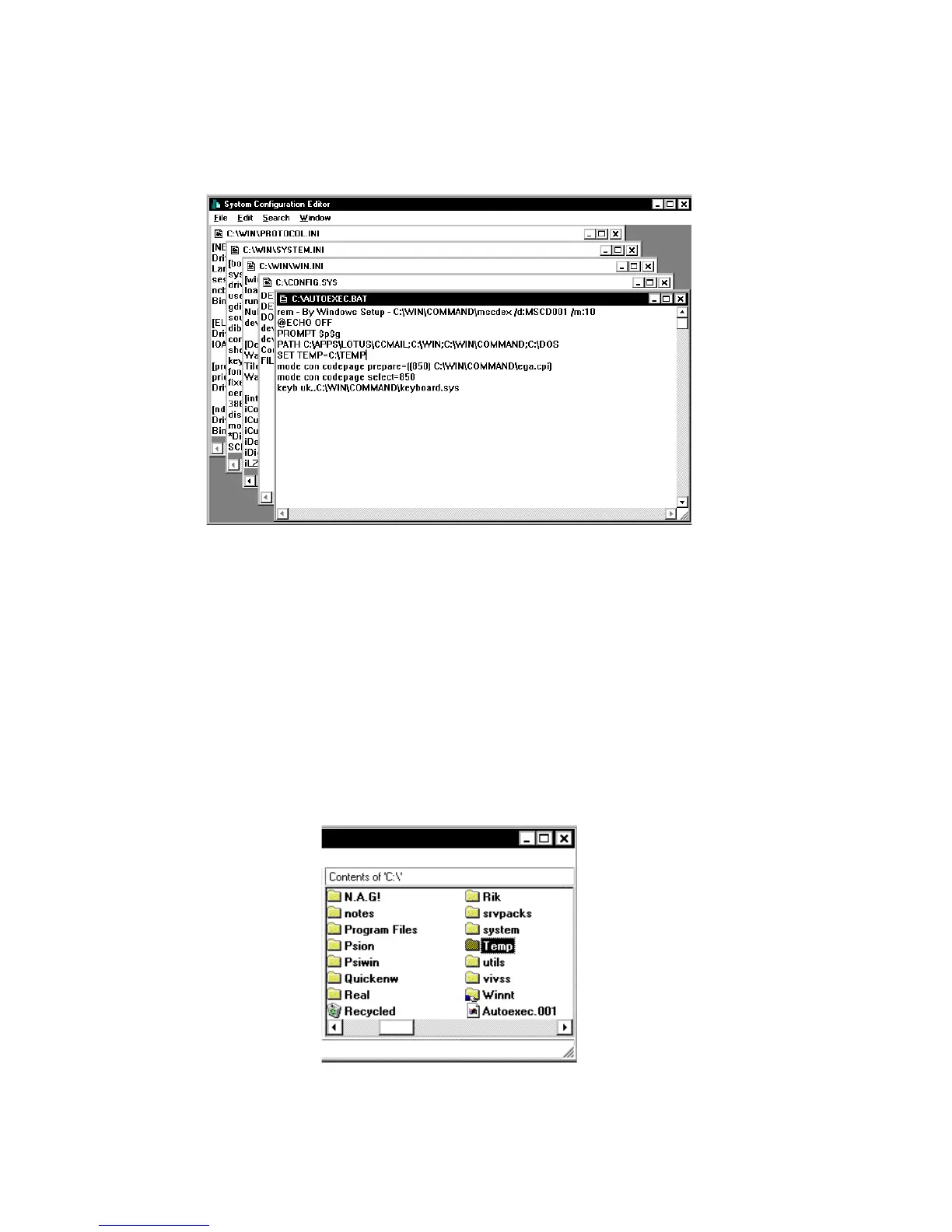
A screen with multiple windows is displayed.
2. Click on the AUTOEXEC.BAT title bar.
3. Look in this window to see if it has a line that starts SET TEMP=. If this
line exists, check that the folder that it points to exists, and create the folder
if not.
If this line doesn’t exist, place the cursor on a new line and type SET
TEMP=C:\TEMP.
Close the window. Select Yes when asked if you want to save the changes.
4. Create a folder on the root of your C drive and call it Temp.
5. Finally, restart your PC.



 To Next Page