Psion Teklogix NETBOOK PRO Win CE 4.2 User Manual 71
Chapter 5: Using The PC Connection
Synchronizing Your NETBOOK PRO
4. On the NETBOOK PRO, click on the Start button, then Programs,
then ActiveSync, and select direct from the ActiveSync menu. This
will connect the NETBOOK PRO to the PC and bring up the
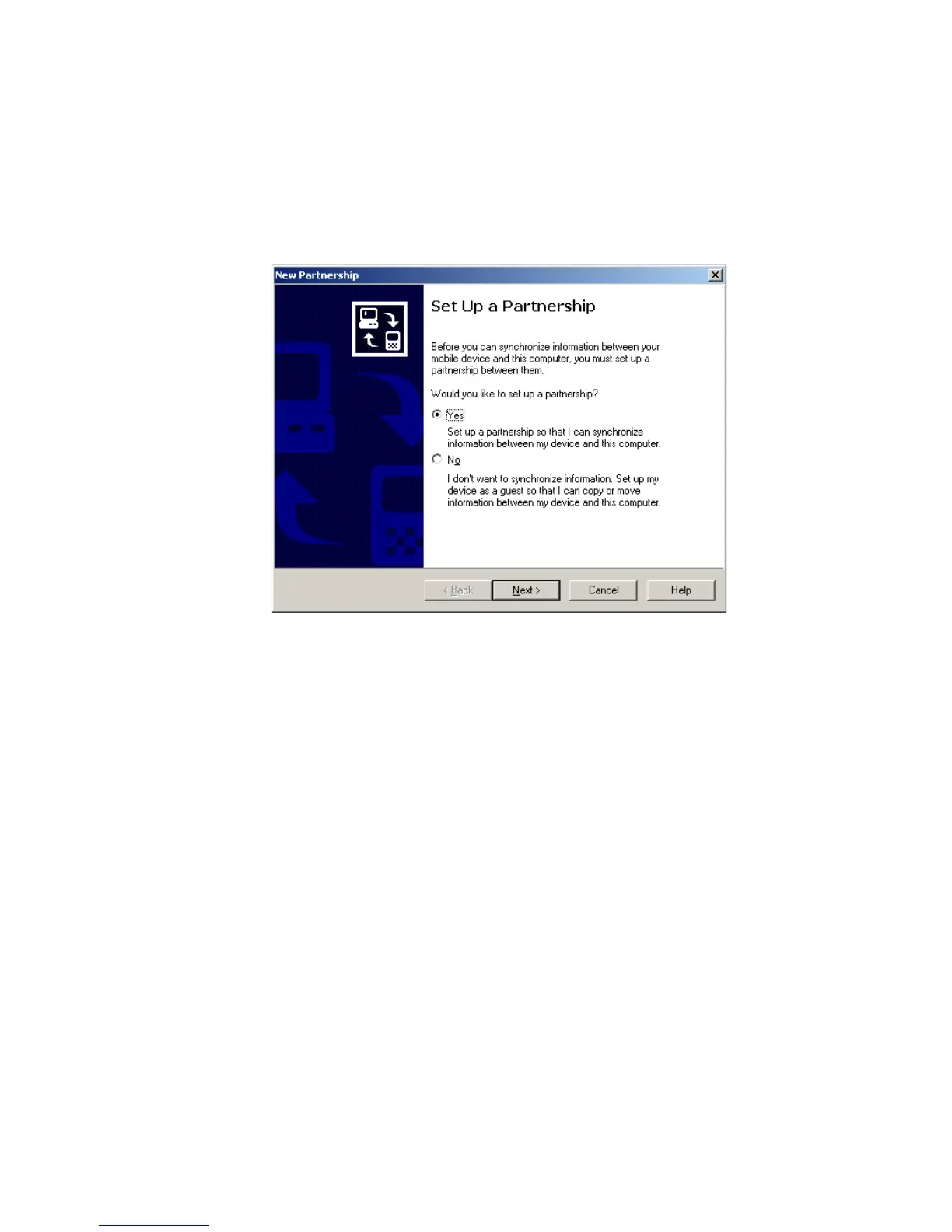
ActiveSync dialog on the PC.
The New Partnership screen allows you to select what types of information will be
synchronized.



 To Next Page