150M Wireless N ADSL2+ Router
- 99 -
Restore Default
If you have made some illegal operation on the device, you will be
unable to access the Internet. This feature enables you to restore the
device to factory default settings.
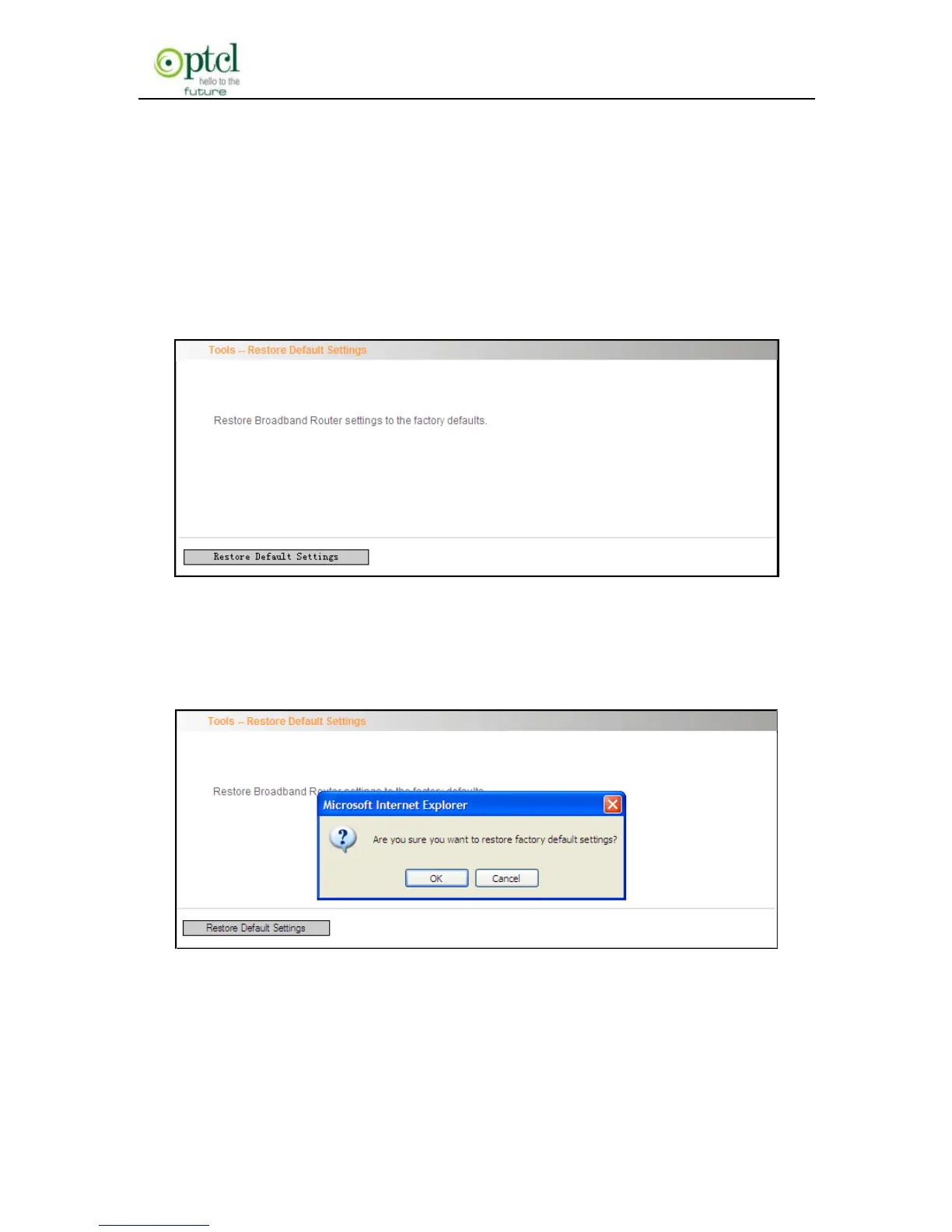
1. Click ―Restore Default‖ to display the ―Tools -- Restore Default
Settings‖ screen.
2. Click the Restore Default Settings button, and click ―Ok‖ on the
appearing dialog.
3. After clicking ―Ok‖, you will see the procedure bars.



 To Next Page