150M Wireless N ADSL2+ Router
- 82 -
settings into effect.
After setting the interface grouping, the gateway IP address the default
grouping uses is 192.168.1.1, and then the second grouping uses
192.168.2.1 as the gateway IP address, and the others follow
by analogy.
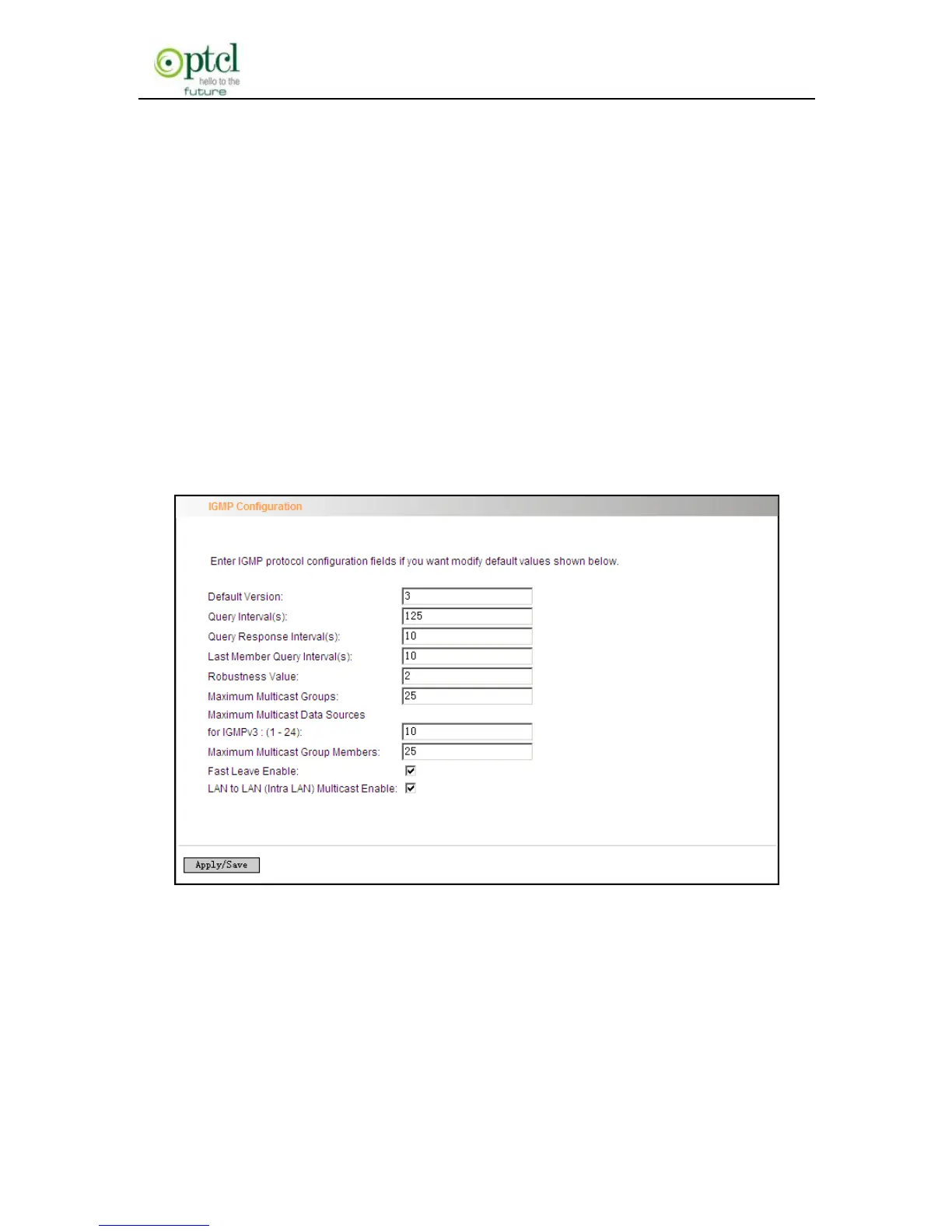
4.2.16 Multicast
IGMP Configuration
Click ―Advanced Setup‖-> ―Multicast‖ to enter the IGMP Configuration
screen.
You can configure IGMP parameters on this screen, if you are not clear
about the IGMP, we recommend using the default configuration.
If you want to modify the configured parameters, please make sure
whether the router’s IGMP feature is enabled.



 To Next Page