150M Wireless N ADSL2+ Router
- 14 -
Note:
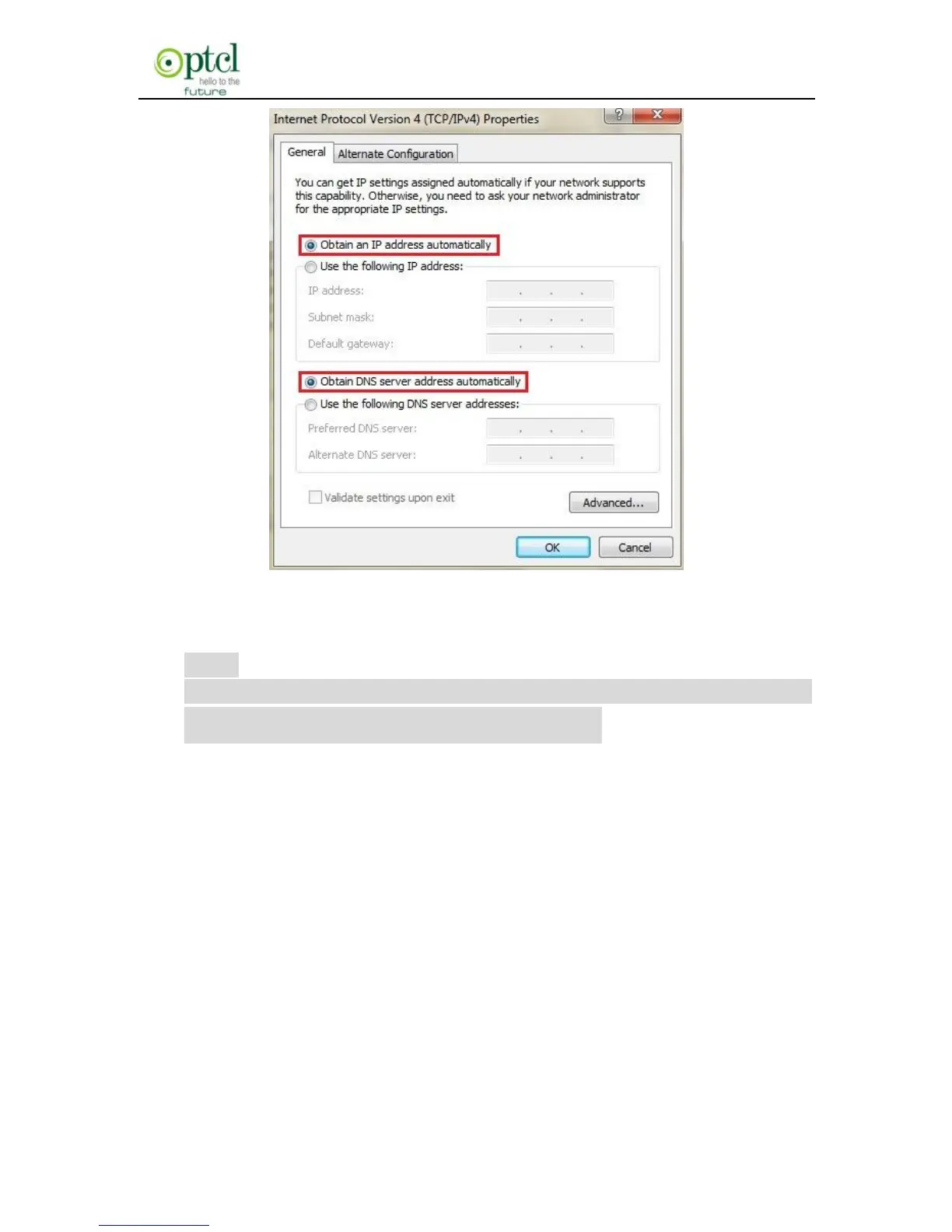
Certainly you can set your IP manually, for detailed
information please refer to appendix 1
:
3.2 Logging on to your router through Web browser
Before entering the web browser, you need to verify the connectivity
between the router and your computer.
First, click the start menu on the lower left corner of your computer
desktop.



 To Next Page