150M Wireless N ADSL2+ Router
- 15 -
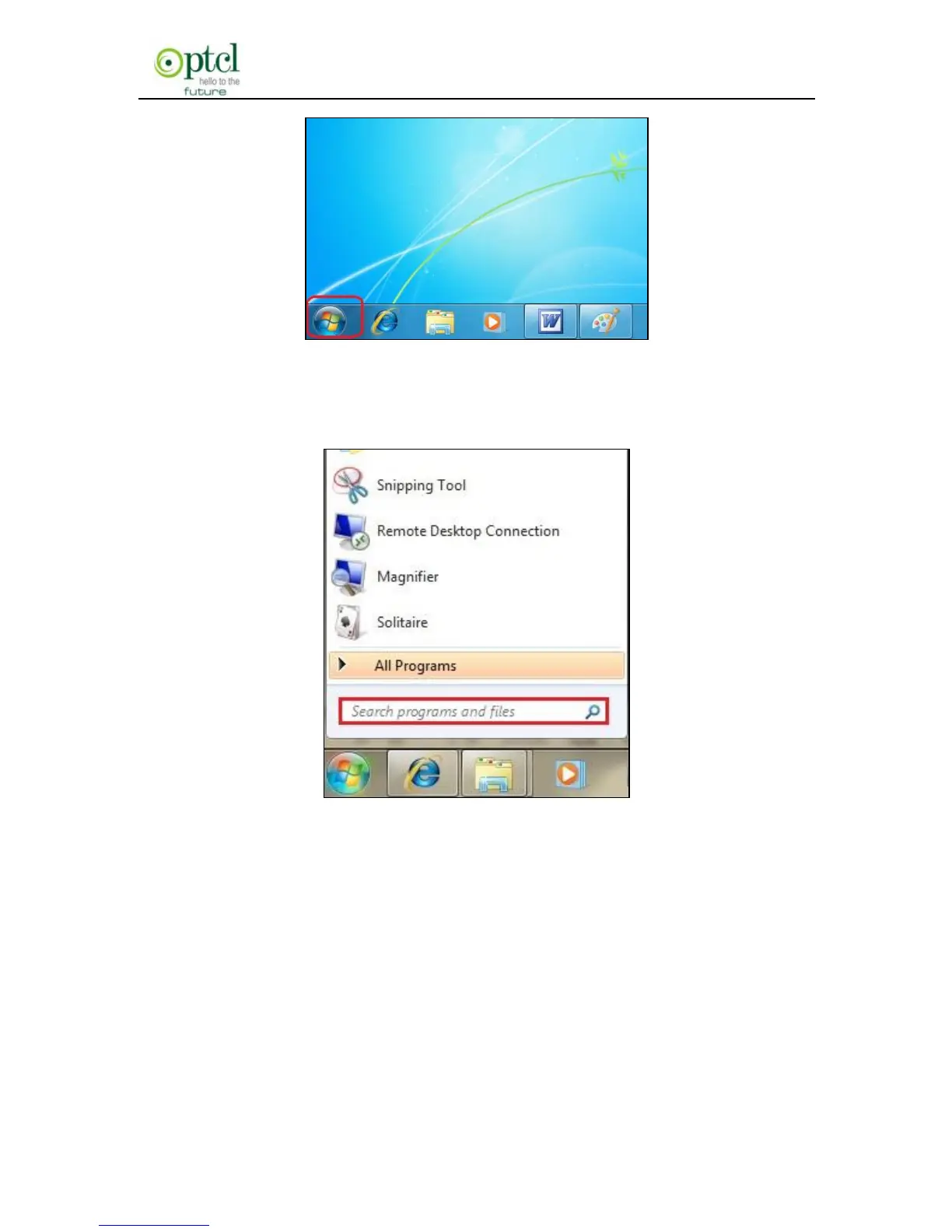
Then, input ―cmd‖ in the search programs and file texts box and press
―enter‖.
Finally, Open the dos window and enter ―ping 192.168.1.1‖, and press
Enter. If the screen displays the following results, it indicates your
computer has already been connected to the router.



 To Next Page