150M Wireless N ADSL2+ Router
- 72 -
Interface: The interface that needs to configure priority. Precedence:
Set a priority for the selected interface.
Click ―Save/Apply‖ to save the settings.
4.2.11 Routing
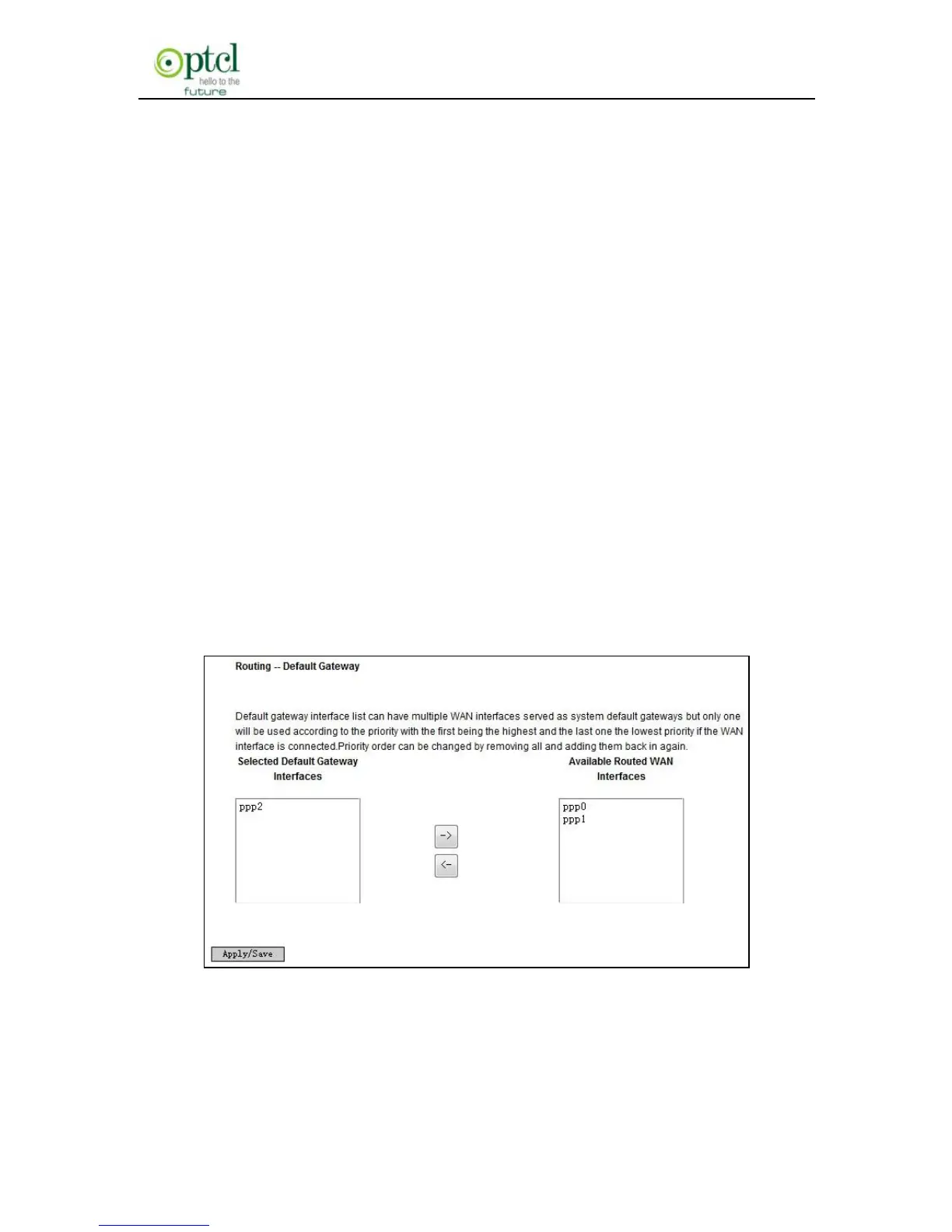
Default Gateway
Gateway is the path for sending packets when your computer is
communicating with computers on other networks. When there are
multiple WAN connections, the gateway must be specified, otherwise,
your computer may not be able to communicate with computers on
other networks. When there’s only one WAN connection, just keep the
default settings.
Click ―Advanced Setup‖-> ―Routing‖-> ―Default Gateway‖ to enter the
screen below.
Available Routed WAN Interfaces:Current existed WAN connection.
Selected Default Gateway Interfaces:WAN connection has already
been selected as the gateway.



 To Next Page