150M Wireless N ADSL2+ Router
- 93 -
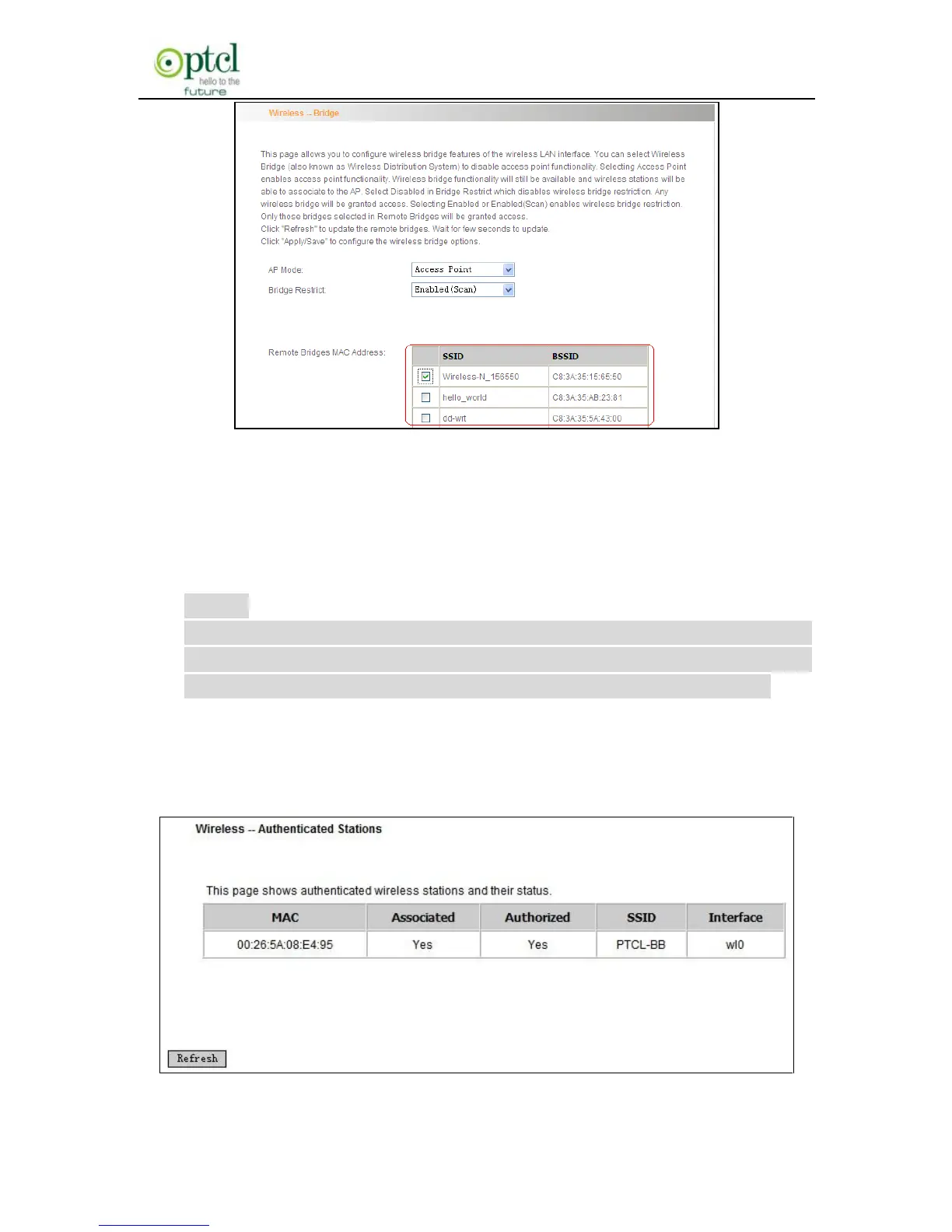
You only need to check the wireless network that you want to bridge
with and click the ―Apply/Save‖ button. And system will automatically
establish wireless bridge with the remote device for you.
Disabled: To disable wireless bridge function, select this option.
Note:
To use the wireless bridge function, both devices must support the
function. Besides, SSID, channel, encryption method and key of
one device must be set to the same value of its link partner’s.
4.3.5 Station Info
This page shows authenticated wireless stations and their status.



 To Next Page