150M Wireless N ADSL2+ Router
- 92 -
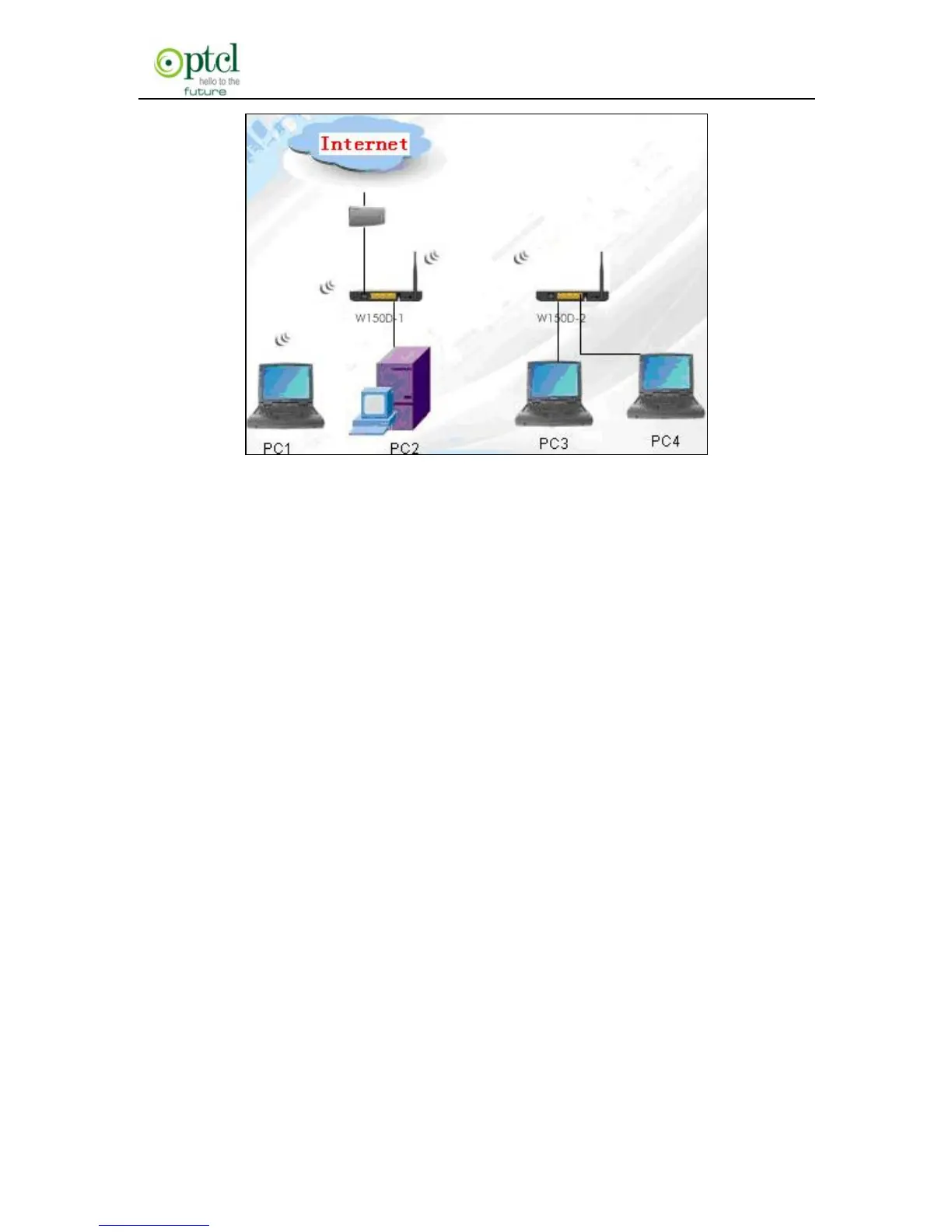
In the above figure, 2 W150Ds are used to enlarge wireless signal
coverage. W150D-2 is configured as a wireless bridge to establish a
wireless bridge with W150D-1. W150D-2, here, does not have the AP
function, thus, PC3 and PC4 can communicate with W150D-2 and
access Internet only through wired network adapters instead of wireless
ones.
Bridge Restrict:there are 3 options available: Enabled, Enabled (Scan)
and Disabled.
Enabled: Select it to enable wireless bridge function. You need to know
the MAC address of a remote bridge and enter it manually. 4 MAC
addresses of remote bridges can be saved to simultaneously establish
bridges with 4 APs.
Enabled (Scan): Select it to enable wireless bridge function. In the
meantime, system will automatically scan MAC addresses of
available wireless devices. See the figure below:



 To Next Page