150M Wireless N ADSL2+ Router
- 17 -
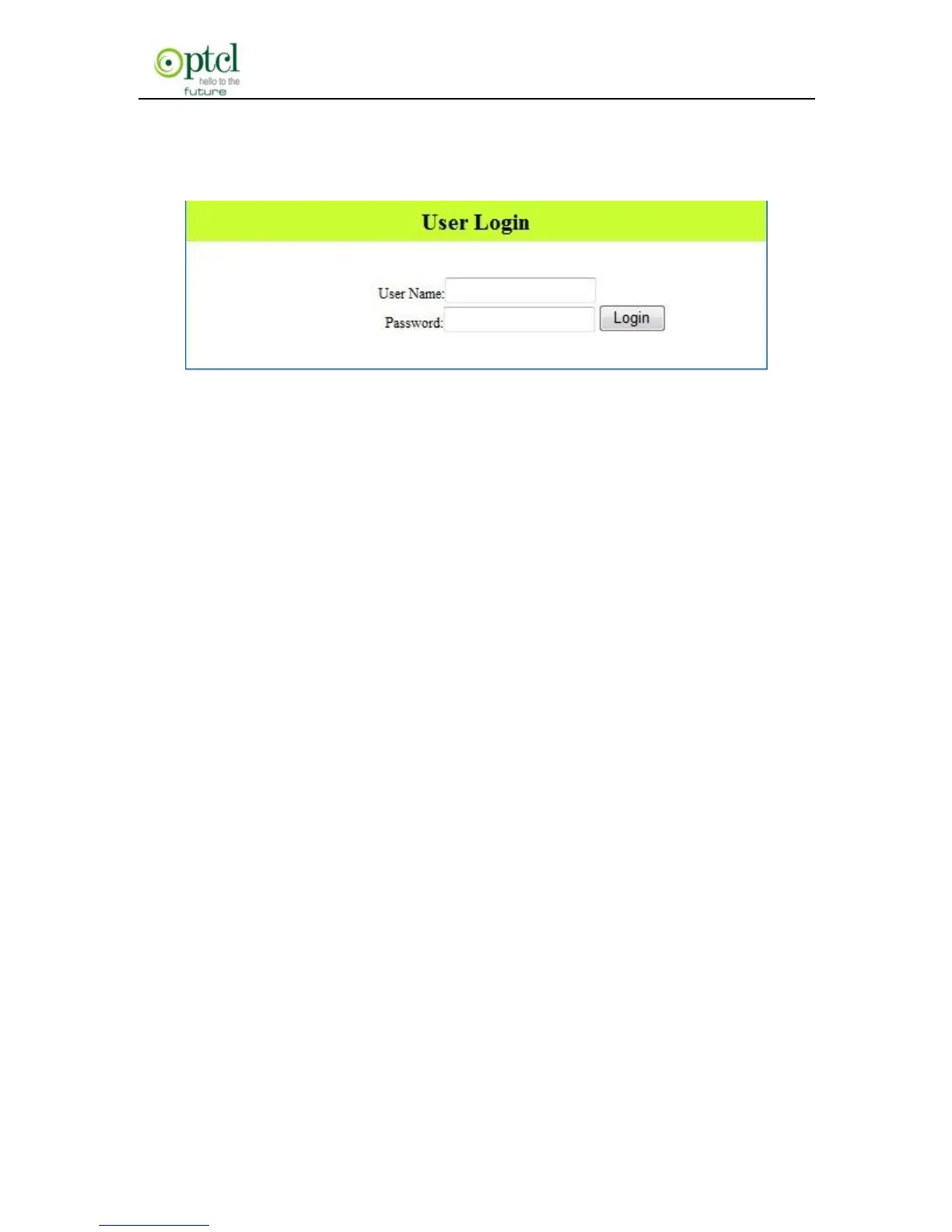
3. Enter the router’s login screen and login password dialog will pop
up. The default password is admin, as shown below:
4. Input ―admin‖ in the Password field on the appearing page and
click ―OK‖.
3.3 Fast Internet Access
In previous section, we have explained how to log on to the router and
in the following; we are going to illustrate how to configure the router
quickly to let your PC access Internet.
Now check whether you have the screen below, if not, please re-log on
to the router’s management interface.



 To Next Page