150M Wireless N ADSL2+ Router
- 114 -
2. PC dial-up
When working in bridging mode, W150D connects with internet via
dial-up software (the third party software). With multiple built-in VPI/VCI,
there is no need for any configuration and only an installed dial-up
program will enable access to internet. Different ISP may use different
dial-up software.
Use the included dial-up software of Windows to access internet if you
are a PPPoE dial-up user. ISP may provide special dial-up software.
Please refer to the matched ―help‖ files of the third party software during
installation.
The installation method of Windows dial-up software is illustrated below
(Windows 7 is used as an example).
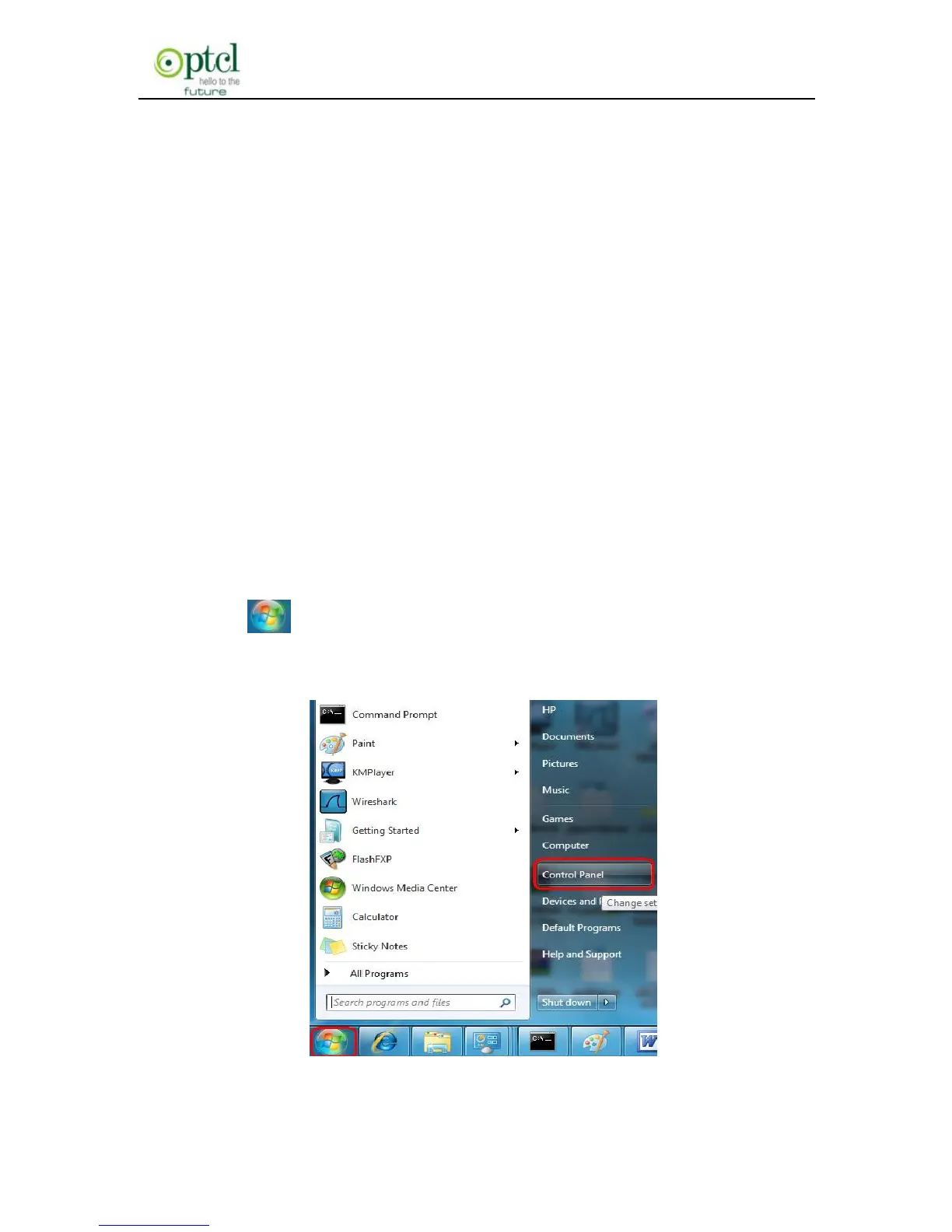
a) Click icon on the left bottom of the PC’s desktop, and then
click ―Control Panel‖:



 To Next Page