150M Wireless N ADSL2+ Router
- 30 -
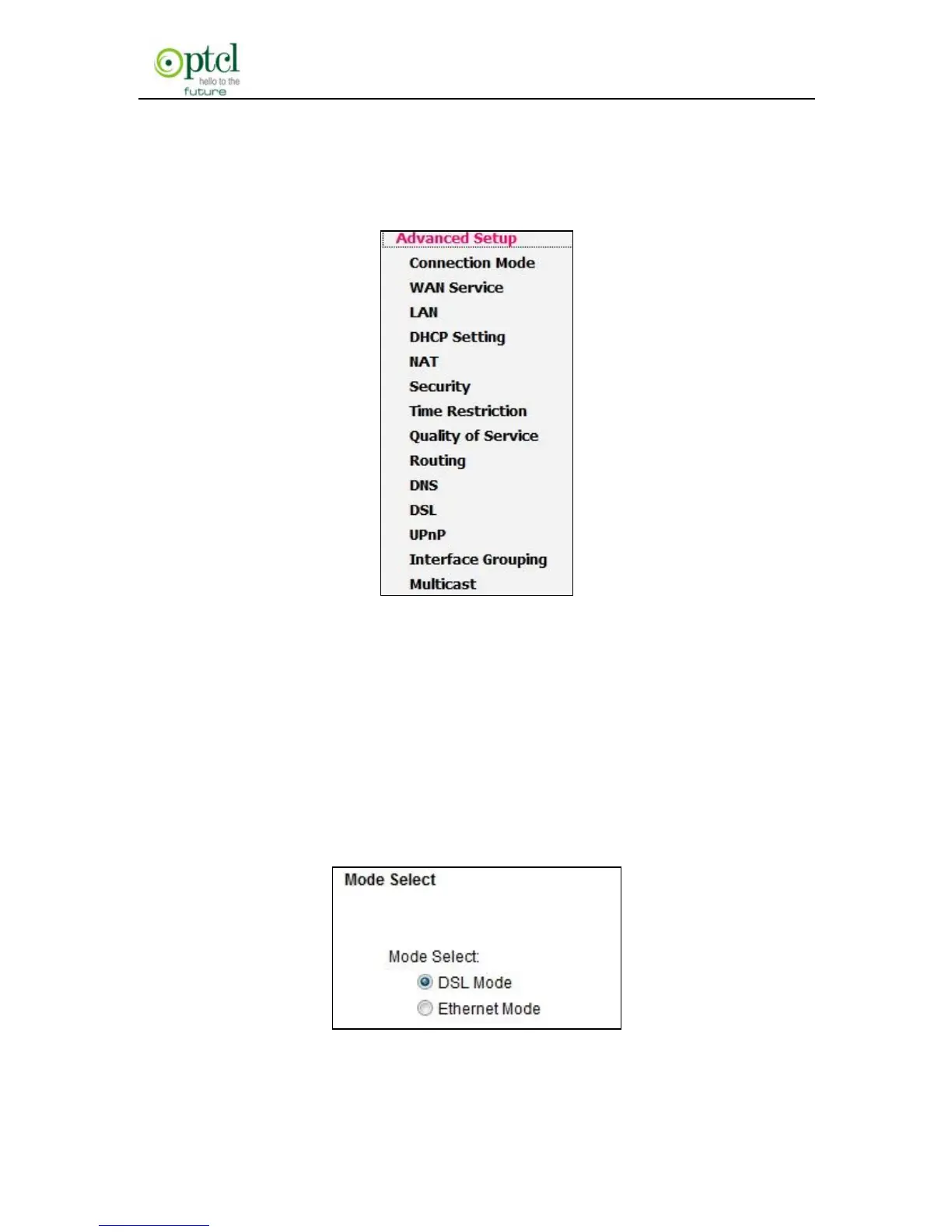
Mode / WAN Service / LAN / DHCP Setting / NAT / Security / Time
Restriction / Quality of Service / Routing / DNS / DSL / UpnP / Interface
Grouping and Multicast as shown in the figure below:
4.2.1 Connection mode
Connection Mode
This router supports two connection modes: DSL mode and Ethernet
mode. Select DSL mode, if you access Internet through telephone line
and Ethernet mode through network cable. By default, system is in DSL
mode.
To enter the connection mode interface, click ―Advanced



 To Next Page