150M Wireless N ADSL2+ Router
- 25 -
Chapter 4 Advanced Settings
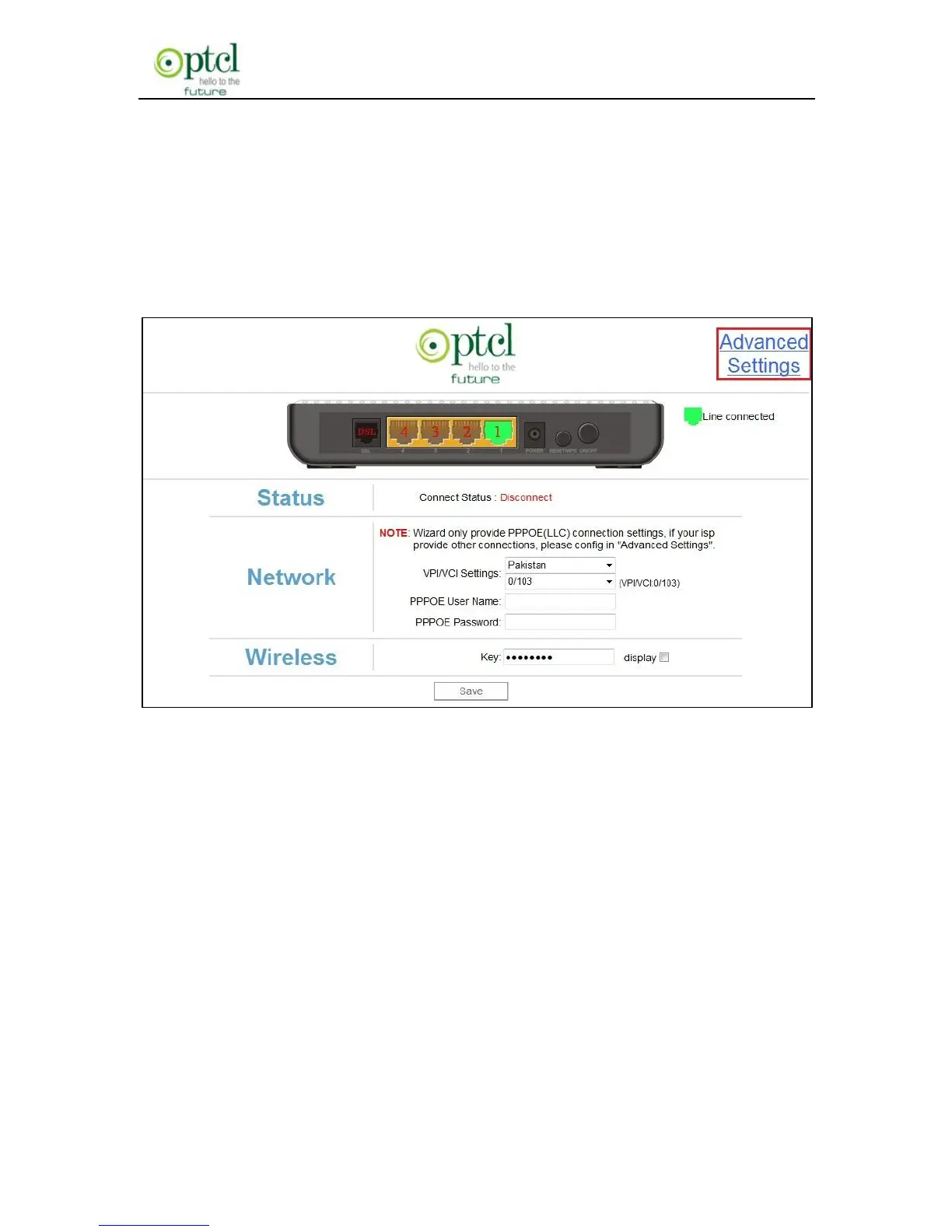
Enter the setup wizard screen below and then click ―Advanced
Settings‖ on the right top corner as shown in the figure below:
After you enter the advanced settings screen, you can set the advanced
settings for the router to satisfy your requirements. There are seven
main menus on this screen: Device Info, Advanced Setup, Wireless,
Diagnostics, Management, Exit and Back to wizard as shown in the
below picture.



 To Next Page