150M Wireless N ADSL2+ Router
- 18 -
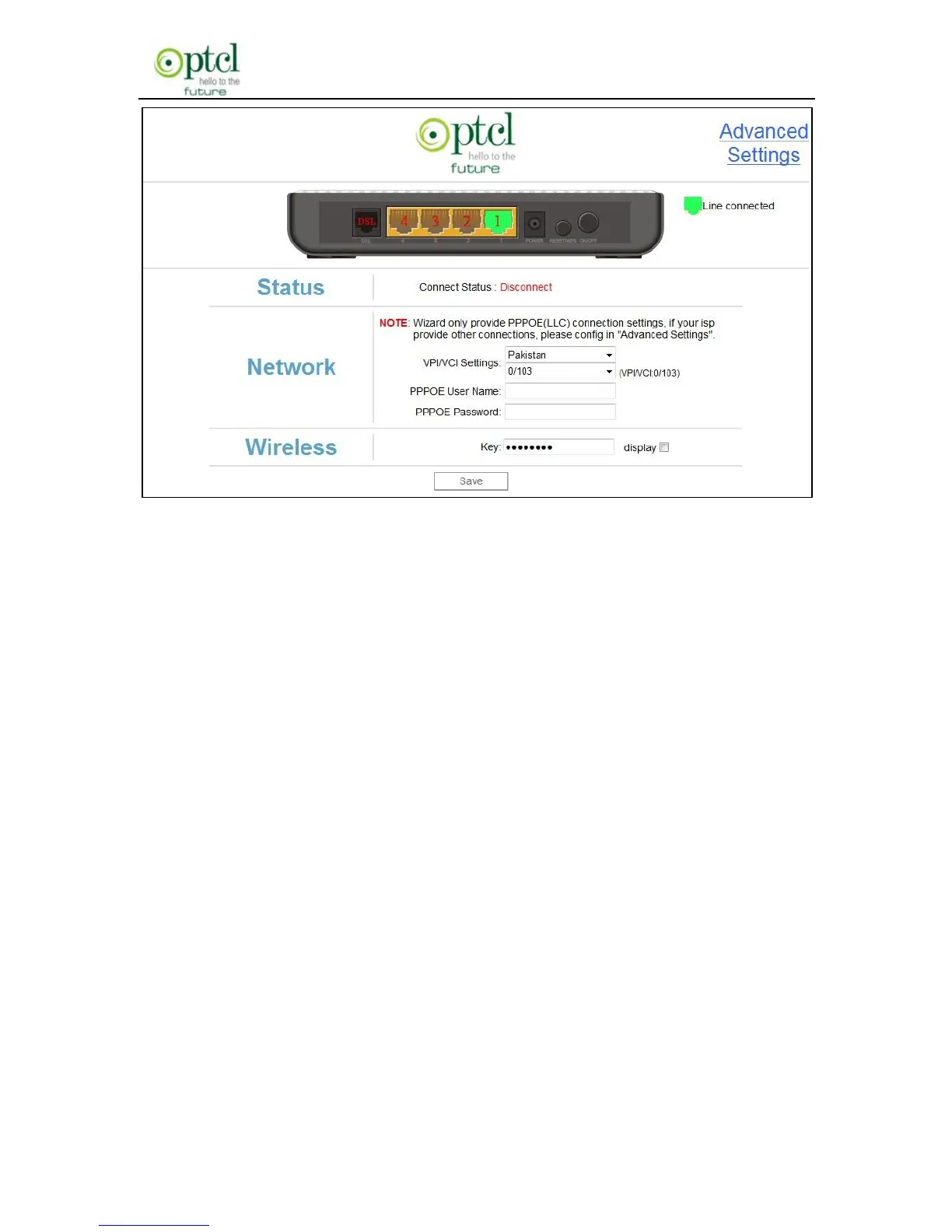
There are two Connection modes available. However, Wizard only
provide DSL Uplink mode. The Ethernet Uplink mode can be configured
in ―Advanced Settings‖.
DSL Uplink: Select this mode, if you are using a telephone line to
directly connect to router’s DSL port and then connect the router to your
PC (Internet---telephone line—router---network cable---PC).
Ethernet Uplink: Select this mode, if you are using a network cable to
directly connect to router and then connect the router to your PC
(Internet---network cable—router---network cable---PC).
Diagram of DSL Uplink mode (Internet access through telephone line)
is shown below:



 To Next Page