150M Wireless N ADSL2+ Router
- 44 -
After successful configurations, use your PC or other devices to dialup
and then you can access Internet.
Note: When you need to configure several WAN connections (multiple
PVCs), first configure the needed number of ATM interfaces and then
follow the above corresponding configuration procedures.
2. WAN Configuration in Ethernet Mode
In Ethernet mode, system supports PPP over Ethernet (PPPoE) and IP
over Ethernet (IPoE).
PPP over Ethernet (PPPoE)
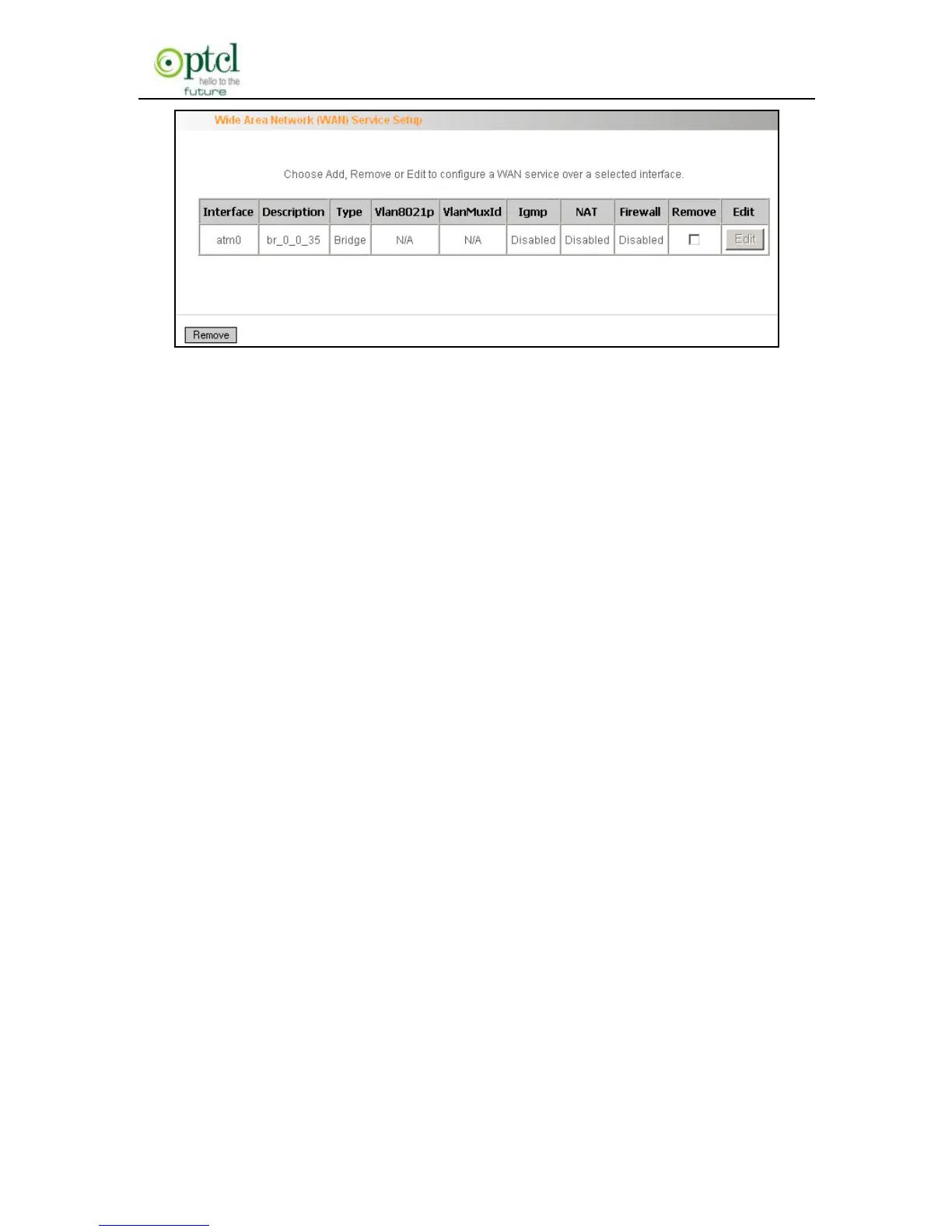
Click ―Advanced Setup‖—―WAN Service‖ –―Connection Setting‖ to enter
WAN service setup interface (page 1) and then click the ―Add‖ button to
go to page 2 and select a proper WAN service type.



 To Next Page