150M Wireless N ADSL2+ Router
- 48 -
the ―Next‖ button to enter the following page:
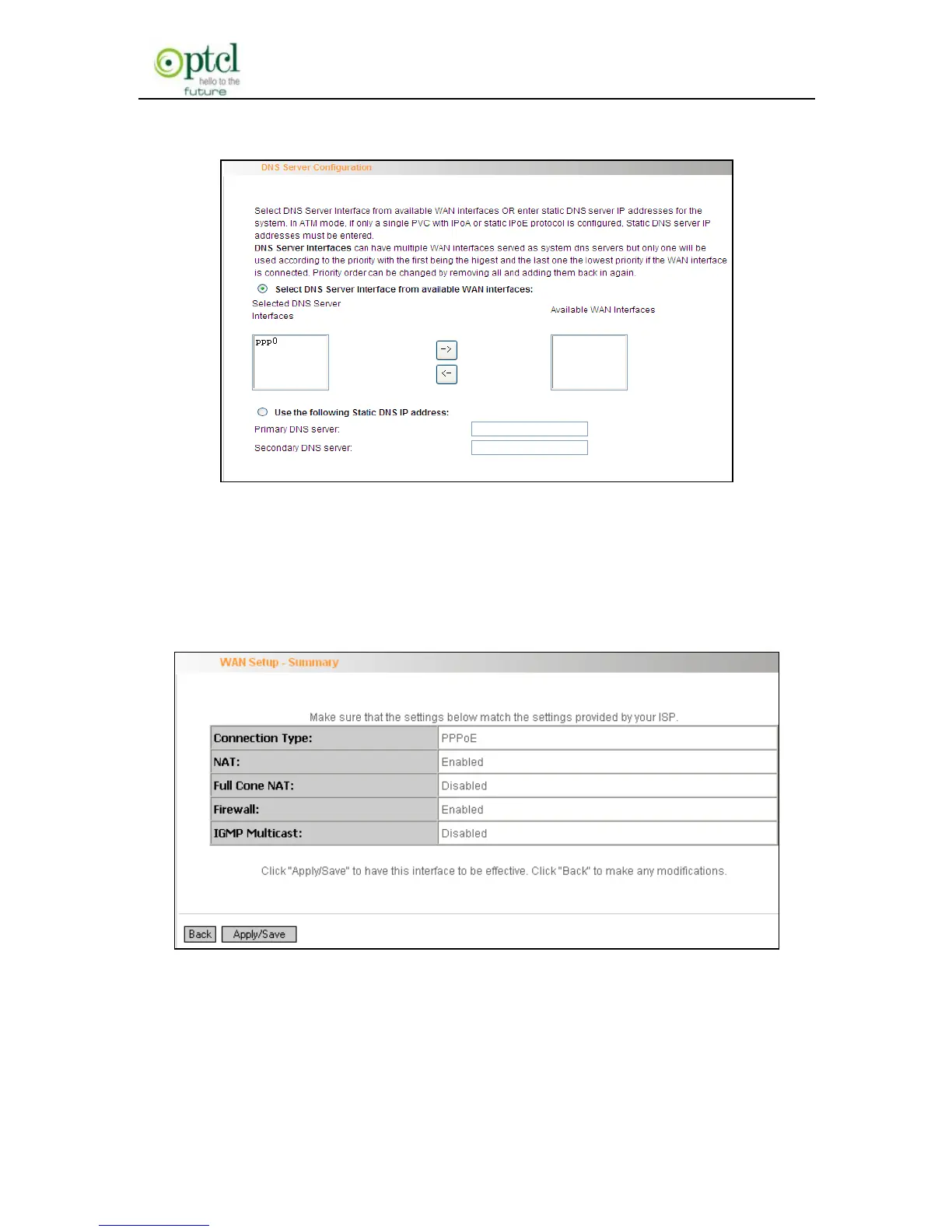
This page allows you to configure the DNS server’s IP address for the
WAN port. We recommend you to keep the default values if you are not
clear about it and click the ―Next‖ button to enter the following page:
This page displays the configuration information. After confirmation,
please click ―Apply/Save‖ to save it.



 To Next Page