150M Wireless N ADSL2+ Router
- 57 -
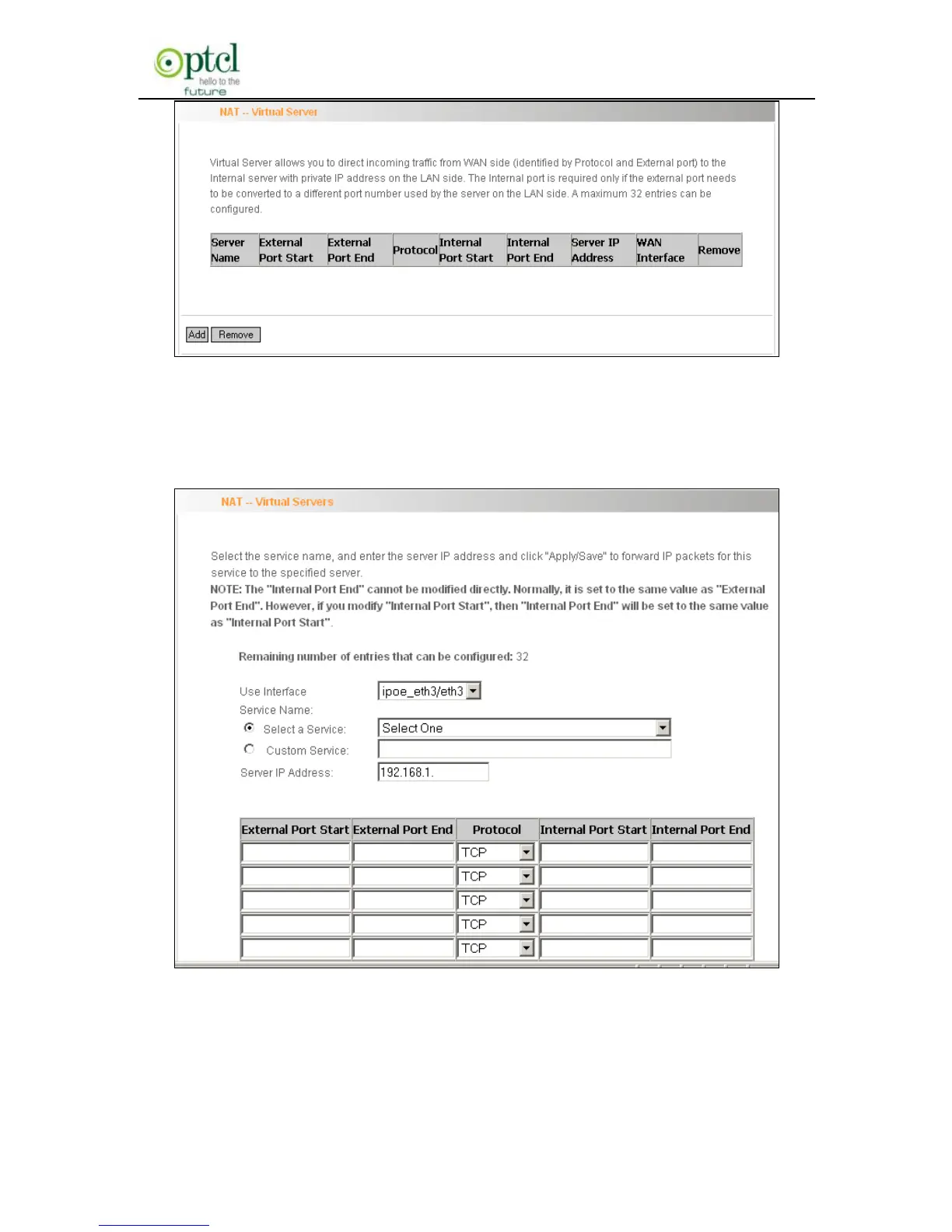
To enter virtual server interface, click ―NAT‖-> ―Virtual Server‖. And then
click the ―Add‖ button to add rules for accessing the server.
Use Interface: It indicates which WAN connection the configured
rules are to be applied to. When there is only one configured WAN
connection available, system will select it automatically.



 To Next Page