150M Wireless N ADSL2+ Router
- 88 -
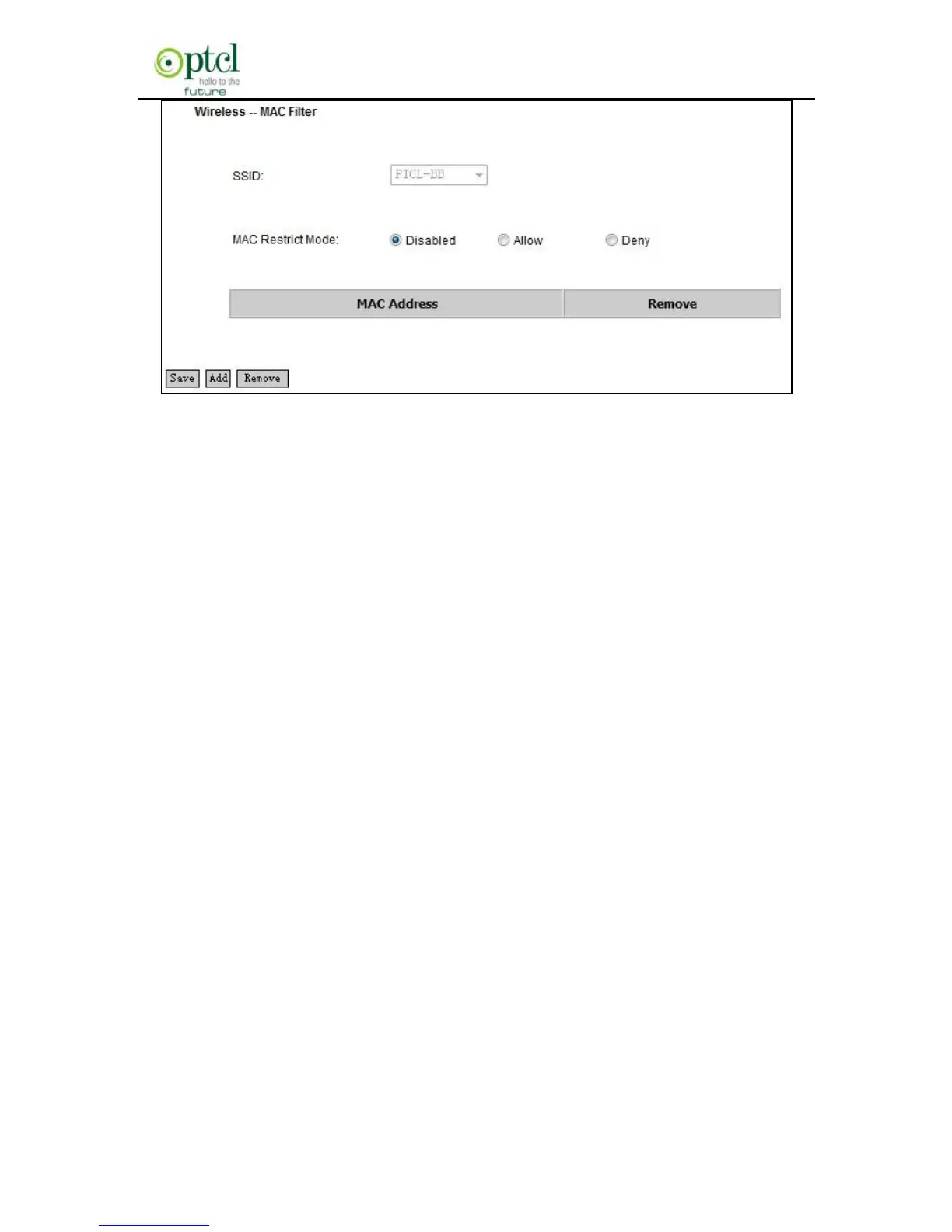
“Disabled”: Select it to disable MAC filter function.
“Allow”: only allows clients in the MAC address list to access your
wireless network.
“Deny”: only prohibits clients in the MAC address list from accessing
your wireless network.
Add: to add a MAC address, click the ―Add‖ button.
To delete an added MAC address, first check the ―Remove‖ box behind
the MAC address in list and then click the ―Remove‖ button.
Example 1: If you want to allow the PC with MAC address of
AA:BB:CC:DD:EE:FF only to access your wireless network, then follow
the instructions below:
Click the ―Add‖ button in the above screen to enter the page below and
enter the MAC address AA:BB:CC:DD:EE:FF in the text box as shown
in the below figure:



 To Next Page