150M Wireless N ADSL2+ Router
- 97 -
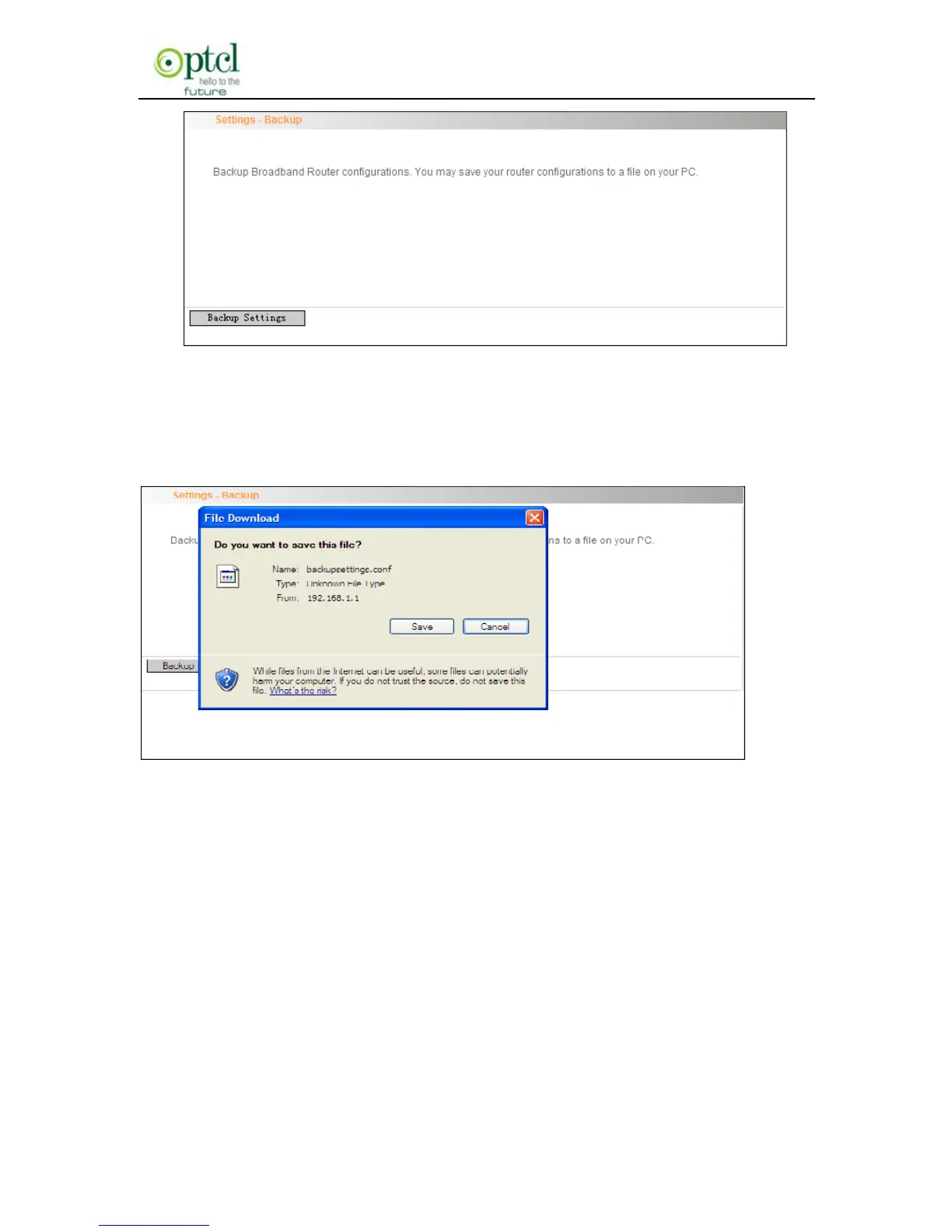
2. Click the ―Backup settings‖ button, and click ―Save‖ on the appearing
―File Download‖ dialog to export the router’s configuration file.
Update
This function enables you to import the previous backup file with ease.
The steps are as follows:
1. Click the ―Update‖ menu to display the ―Tools—Update Settings‖
screen.



 To Next Page