OPER
ATING MANUAL FOR SELECT ANALYST
Issue: A, part number R041118
15
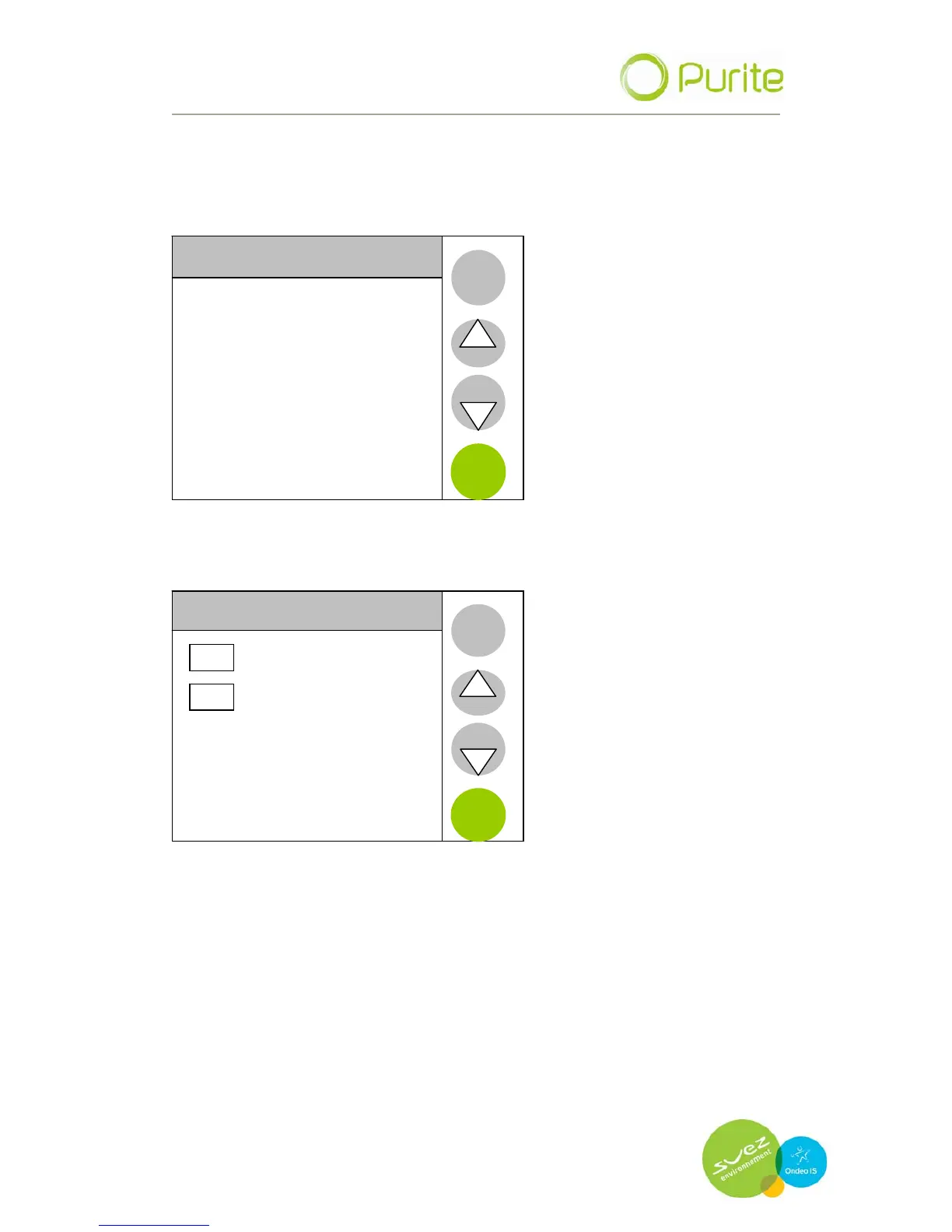
UP and DOWN are used to move through the available options and/or to
increase/decrease numerical vales.
ENTER selects to the option highlighted.
BACK returns to the previous screen.
SETTINGS MENU
Language
Time and Date
Maintenance
Product information
Engineer menu
BACK
Auto Restart
ENTER
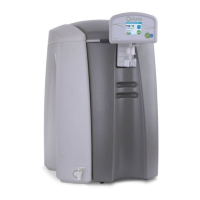
5.2.1 Language
LANGUAGE
ENGLISH
FRENCH
BACK
ENTER
Text displays can be set to be shown in either English or French.
Highlight the appropriate tick box by pressing on the relevant screen area
and press enter.


 To Next Page