OPER
ATING MANUAL FOR SELECT ANALYST
Issue: A, part number R041118
18
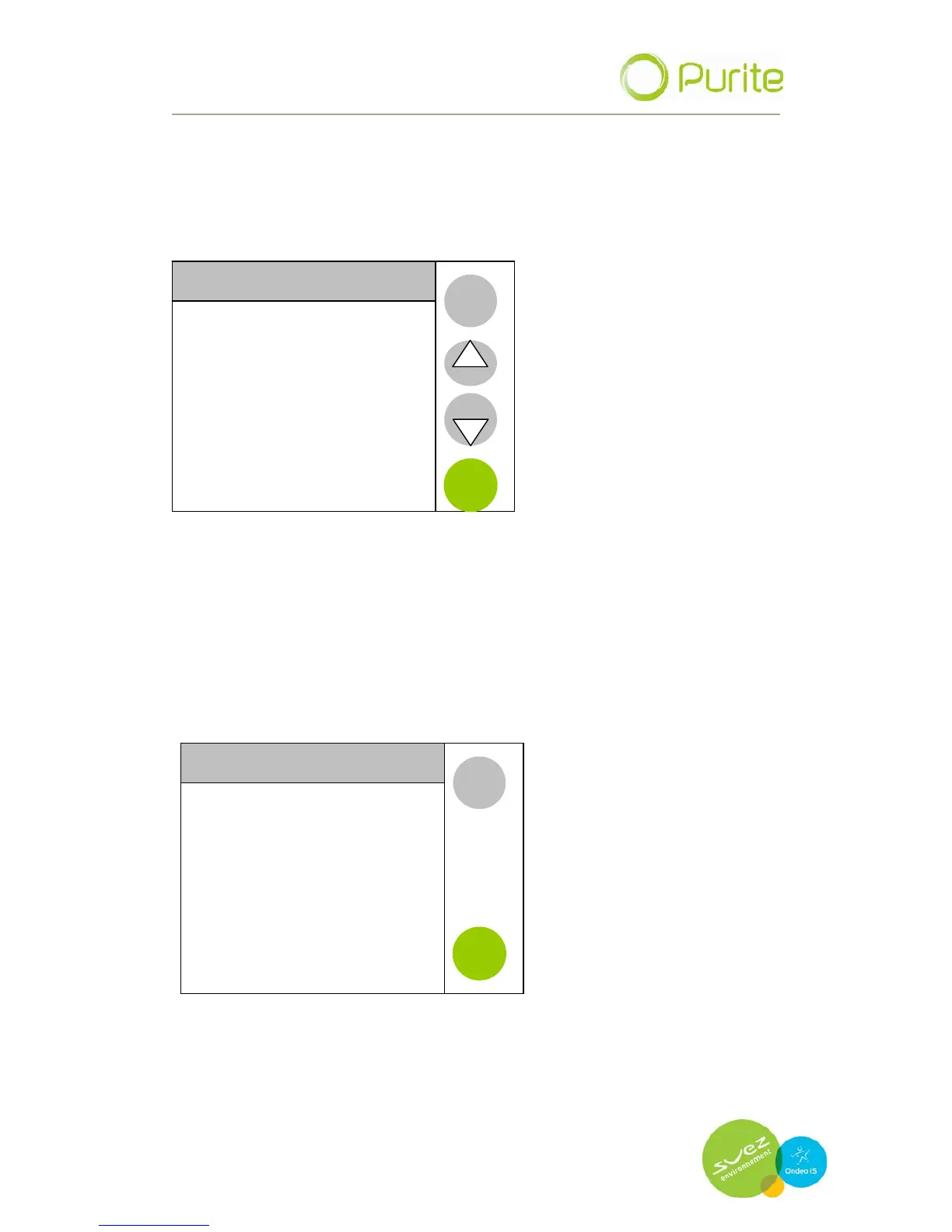
5.3 Maintenance menu
The maintenance menu provides the capability to set defined dates for
replacement of media cartridge packs in the device. These dates, when
expired, will trigger an alarm which will be displayed on the menu bar.
MAINTENANACE
Pretreatment Pack Date
BACK
Puripac Pack PP 8 Date
ENTER
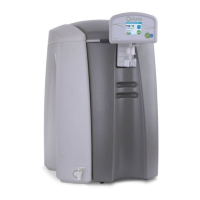
5.3.1 Pretreatment pack date
When the Pretreatment (PT8) media packs are replaced it is necessary
to reset the replacement date. This is done via the Pretreatment Pack
date menu.
Enter the menu and press reset. Failure to reset and replace media
packs will lead to poor water quality.
Pretreatment Pack date
BACK
16/12/2009
6 MONTH EXPIRY
RESET


 To Next Page