OPER
ATING MANUAL FOR SELECT ANALYST
Issue: A, part number R041118
14
The unit runs an initialisation for 10 seconds before the unit can be
activated. To switch the unit on press the START button after the
initialisation is compete
When start is pressed the following screen is displayed to show the unit
is in operation and processing water.
5.1.3 Processing screen
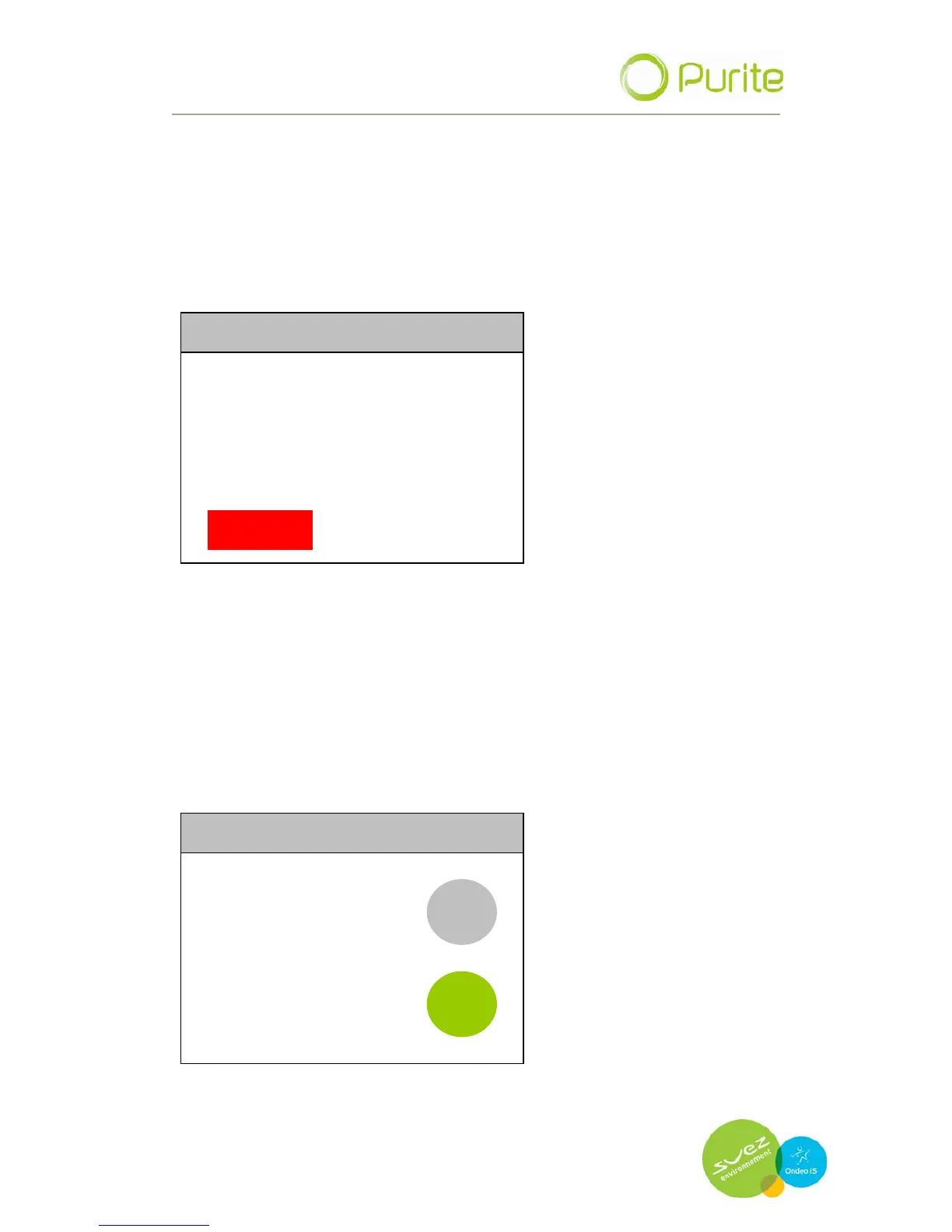
PROCESSING 09/09/09 10.22
QUALITY 10.0 MΩ
TEMPERATURE 20.0 °C
STOP
Outlet water quality and outlet water temperature are displayed on the
screen for your information.
A single red button is featured, STOP. When pressed the display reverts to
the Power On Screen and all functions are terminated.
5.2 Settings Menu
Pressing the MENU button takes you to the Settings Menu where system
parameters can be set up.
PROCESSING 09/09/09 10.22
MENU
WELCOME
ANALYST
ST
ART
All menu screens feature four buttons BACK, UP, DOWN, ENTER. nu screens feature four buttons BACK, UP, DOWN, ENTER.


 To Next Page