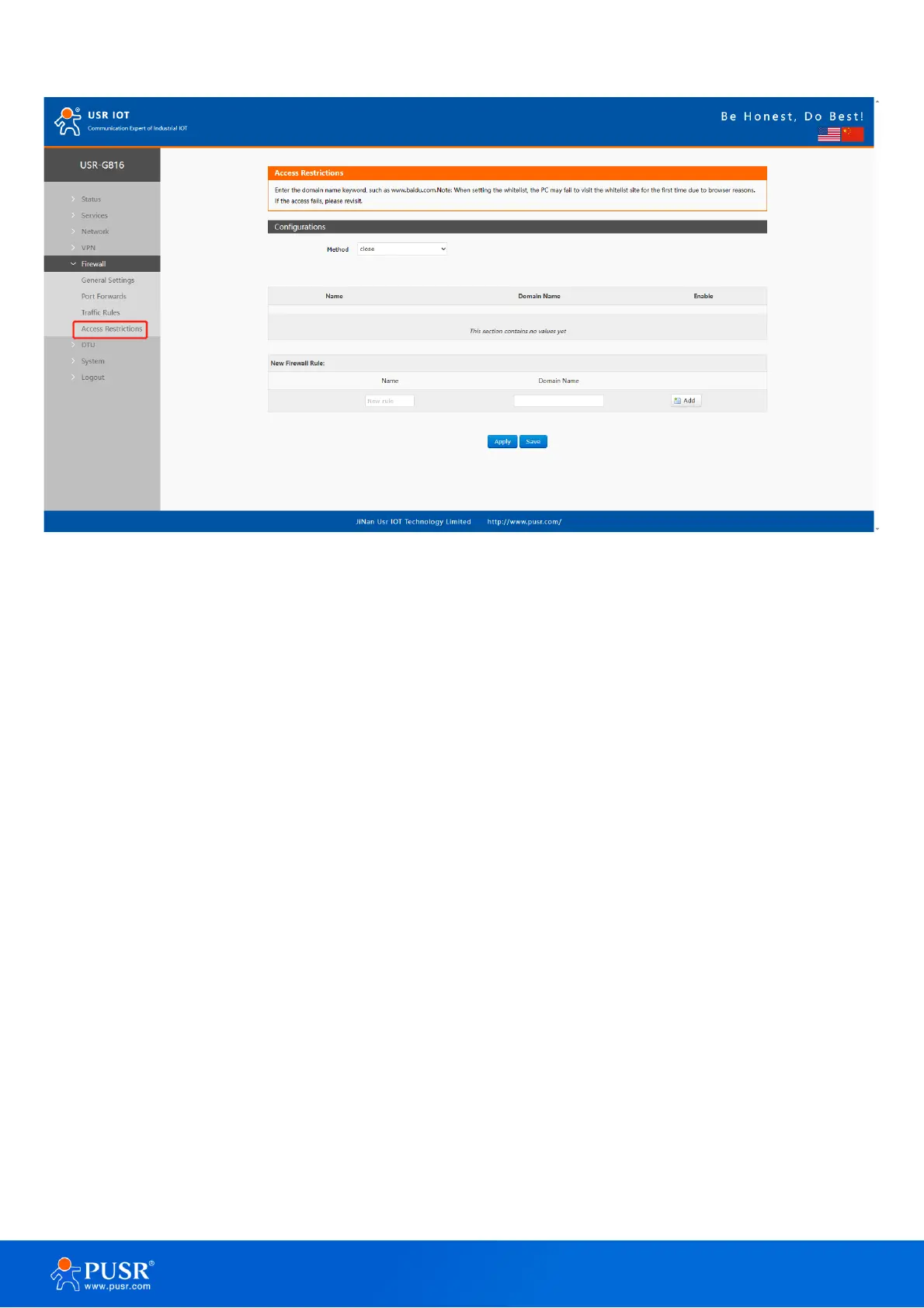
Figure 49. Access restrictions interface
6.4.1. Blacklist settings
First, select the blacklist, enter the name of the rule and the prohibited domain address, and then click Add,
and the added rules will be displayed in the list. Click Apply and the rules take effect immediately. Devices
connected to the router will not be able to access the domain address just added. If blacklist is selected but no
rules are added, the default blacklist is empty, that is, all domain names can be accessed. As shown in the figure,
except www.baidu.com and www.google.com, other domain names can be accessed normally.



 To Next Page