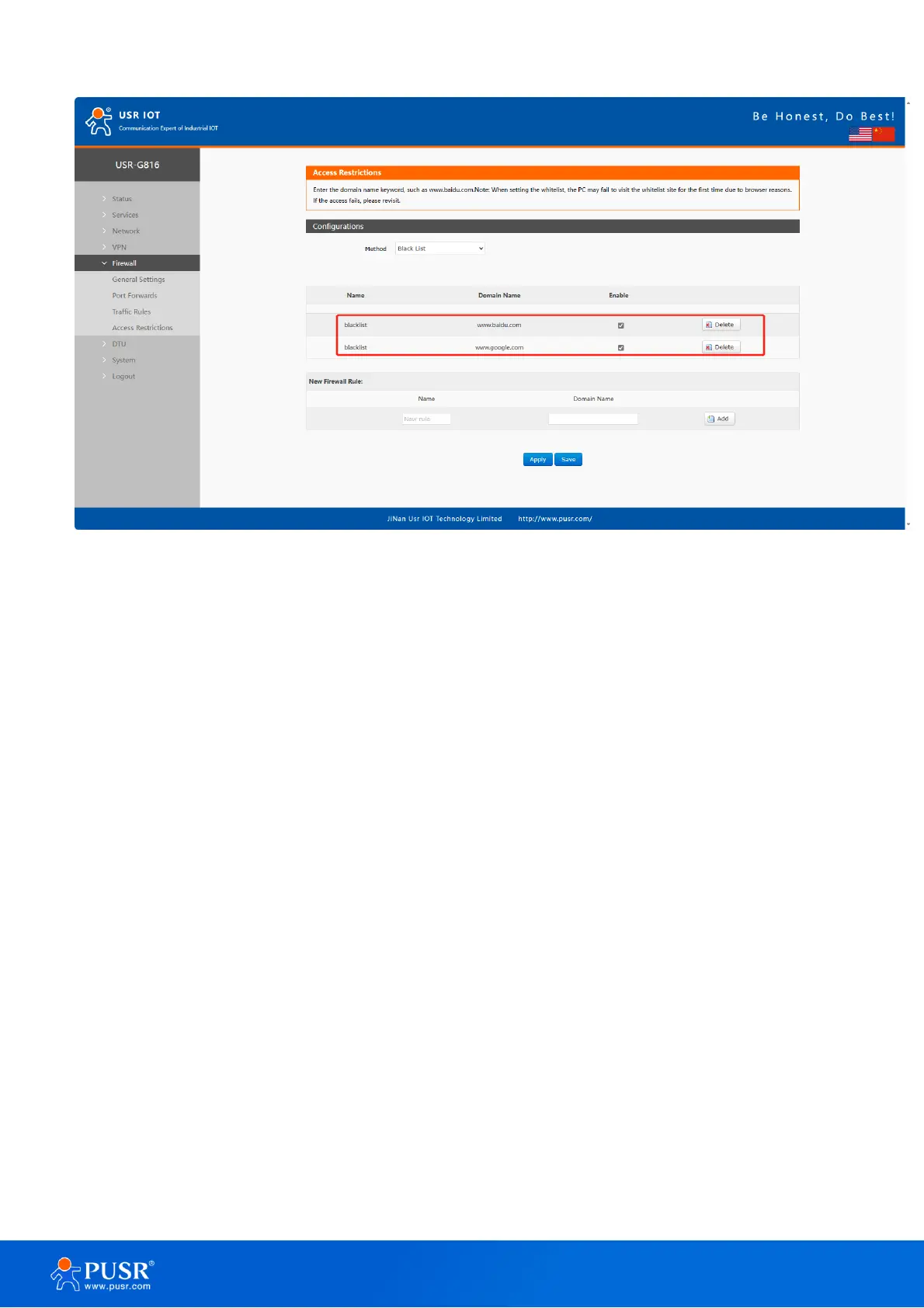
Figure 50. Add blacklist rules
6.4.2. Whitelist settings
Select the whitelist, enter the name of the rule and the domain address that is allowed to be accessed, and
then click Add, and the added rules will be displayed in the list. Click Apply and the rules take effect immediately.
Devices connected to the router will not be able to access the domain address except the ones in the rule. If you
select the whitelist but do not add a rule, the default whitelist is empty, that is, all domain address cannot be
accessed. As shown in the figure, the device can access Baidu.



 To Next Page