Shanghai Pytes Energy Co., Ltd
DC power cable, cascading cable, and BMS
cable are connected correctly, securely and
reliably.
Unused terminals and ports are locked with
caps.
The installation space is proper, and the
installation environment is clean and tidy.
6.2 System Power-on
⚫ After powering on inverter and turning on all battery, switch on the DC isolator between inverter
and batteries.
⚫ If no PV module is configured, turning on all inverters and pre-charging inverter first and then
switch on the DC isolator between inverter and batteries.
Step 1 Power on inverter according to inverter user manual.
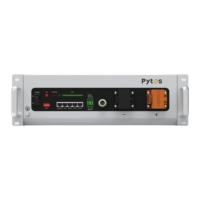
Step 2 Switch on power button of all batteries first, and press “SW” button on master
battery for 1 second.
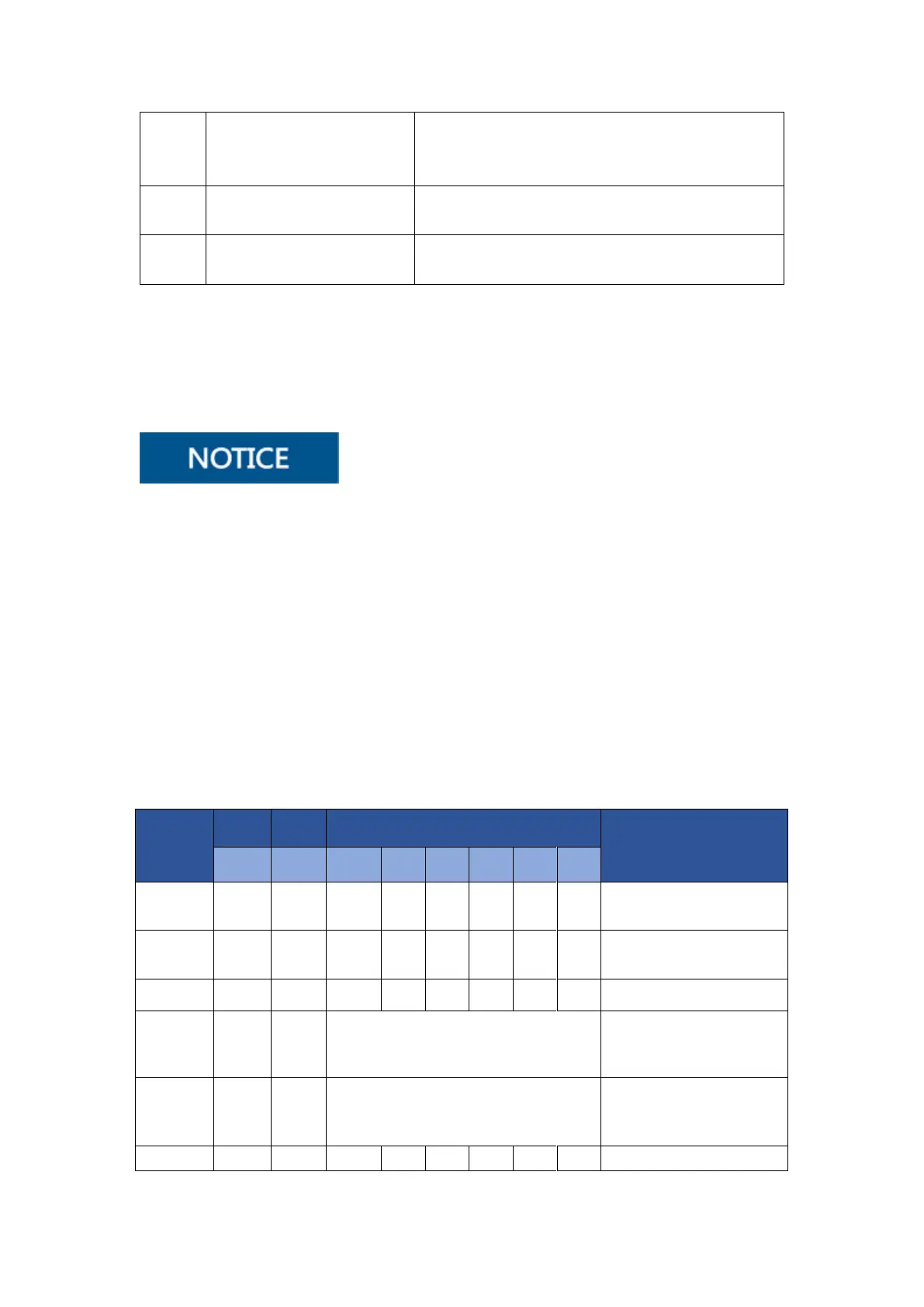
After battery is powered on for the first time, all indicators will light up once. Observe the
battery indicator to check the running status.
LED indicators
All indicators light up once at the
same time
Battery is in standby mode
Battery is in low voltage



 To Next Page