M-Controller II System Operation Manual - 19 -
84350-201-001 Rev C
6.3 Keypad and Menu
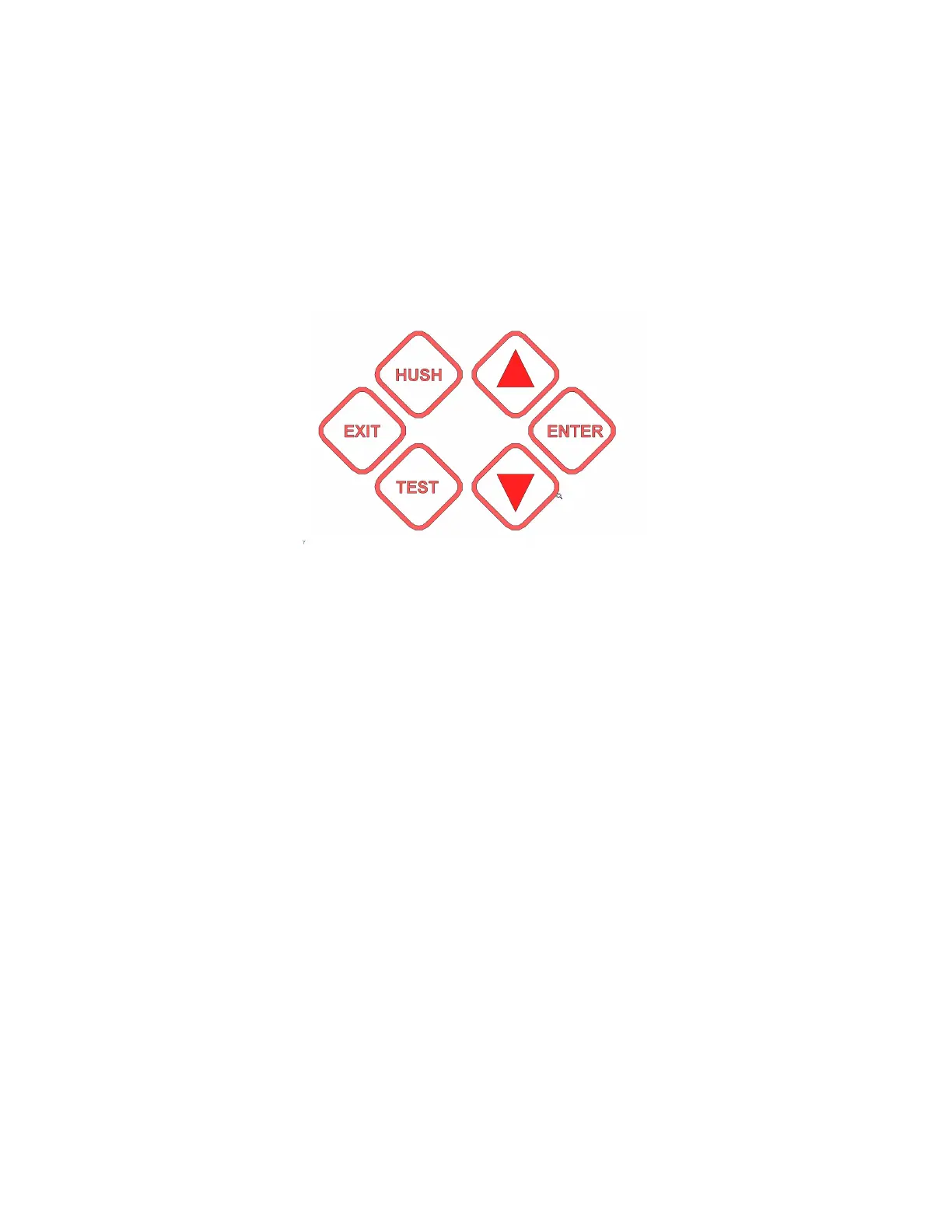
All database programming and configuration can be done through the front panel keypad,
although this is practical only for short programs and program modifications. The
following discussion and tables demonstrate the operation and menu pathways. In
practice you will find that it is easier to use the keypad and menus than it is to read the
reference descriptions. The menus provide prompting at each stage, and only a few rules
need be memorized.
6.3.1 Hold Mode:
Press key [Up] or [Down] to scroll through the display items, at the same time the display
goes to “Hold Mode” with display “*” at that row end. The Hold Mode will stop at that
point for 3 minutes.
In Hold Mode, press key [Enter], you can check the selected channel running status and
its config settings in the controller.
Press key [Exit] exits the hold mode to auto scroll mode.
6.3.2 Key [Hush]
Press key [Hush] to silence the alarmed Buzzer and Horn, and all alarmed buzzer-style
relays.
6.3.3 Key [Test]
For system testing, press key [Test] to force relay1-3, and all M-Relays actuate.


 To Next Page