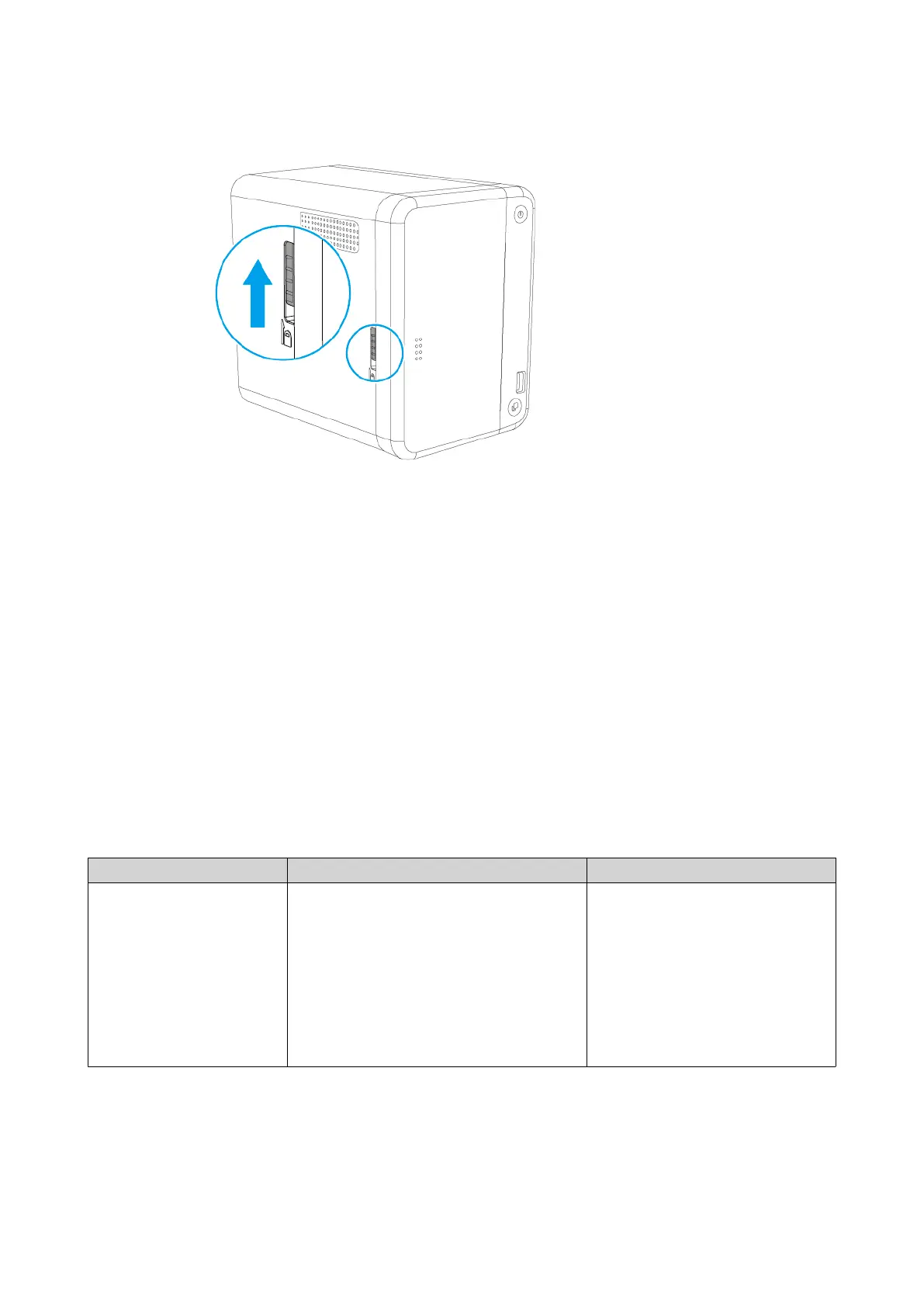
14. Connect all cables and external attachments.
15. Connect the power cord to the electrical outlet.
16. Power on the NAS.
17. Verify that the module is recognized by the NAS.
a. Log on to QTS as administrator.
b. Go to Control Panel > System > System Status > Hardware Information .
c. Check the value for Total memory.
QTS Installation
The TS-251B uses the QNAP QTS operating system. You can install QTS using any of the following
methods.
Method Description Requirements
Qfinder Pro installation
(Recommended)
If the NAS is connected to your local area
network, you can do the following:
• Locate the NAS using Qfinder Pro.
• Complete the steps in the Smart
Installation Guide wizard.
For details, see Installing QTS Using
Qfinder Pro.
• Computer
• Network cable
• Qfinder Pro installer
TS-251B User Guide
Installation and Configuration 33



 To Next Page
 Loading...