SECTION 3
OPERATING PRINTER
31
Customer Inks
: Displays the Ink Set that the printer will recognize. This choice cannot be changed.
Neopost = Only proprietary EASYInk cartridges, sold by Neopost (now Quadient) can be used in printer.
See section titled “Supplies – Compatible Inkjet Cartridges (Printheads)” for list of compatible cartridges.
NOTE: Use the <<< (Previous) button, located at the bottom of the PRINTER PREFERENCES screen, to access
additional Printer Preferences features.
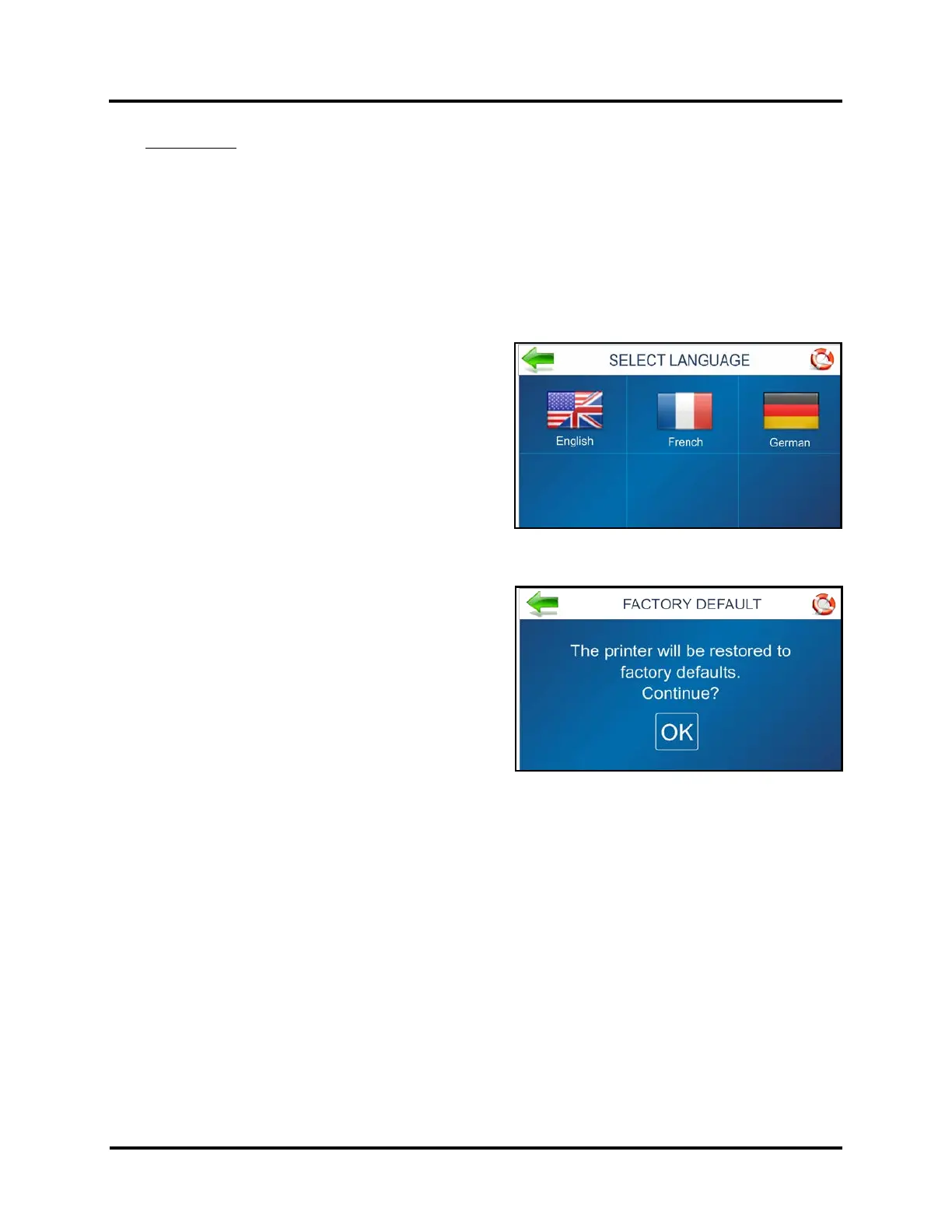
SELECT LANGUAGE Screen
Select the language that the Printer Touchscreen will display.
FACTORY DEFAULT Screen
Restores most adjustments and settings to factory settings.
Press …BACK to return to Cancel and return to previous
screen.



 To Next Page