SECTION 3
OPERATING PRINTER
58
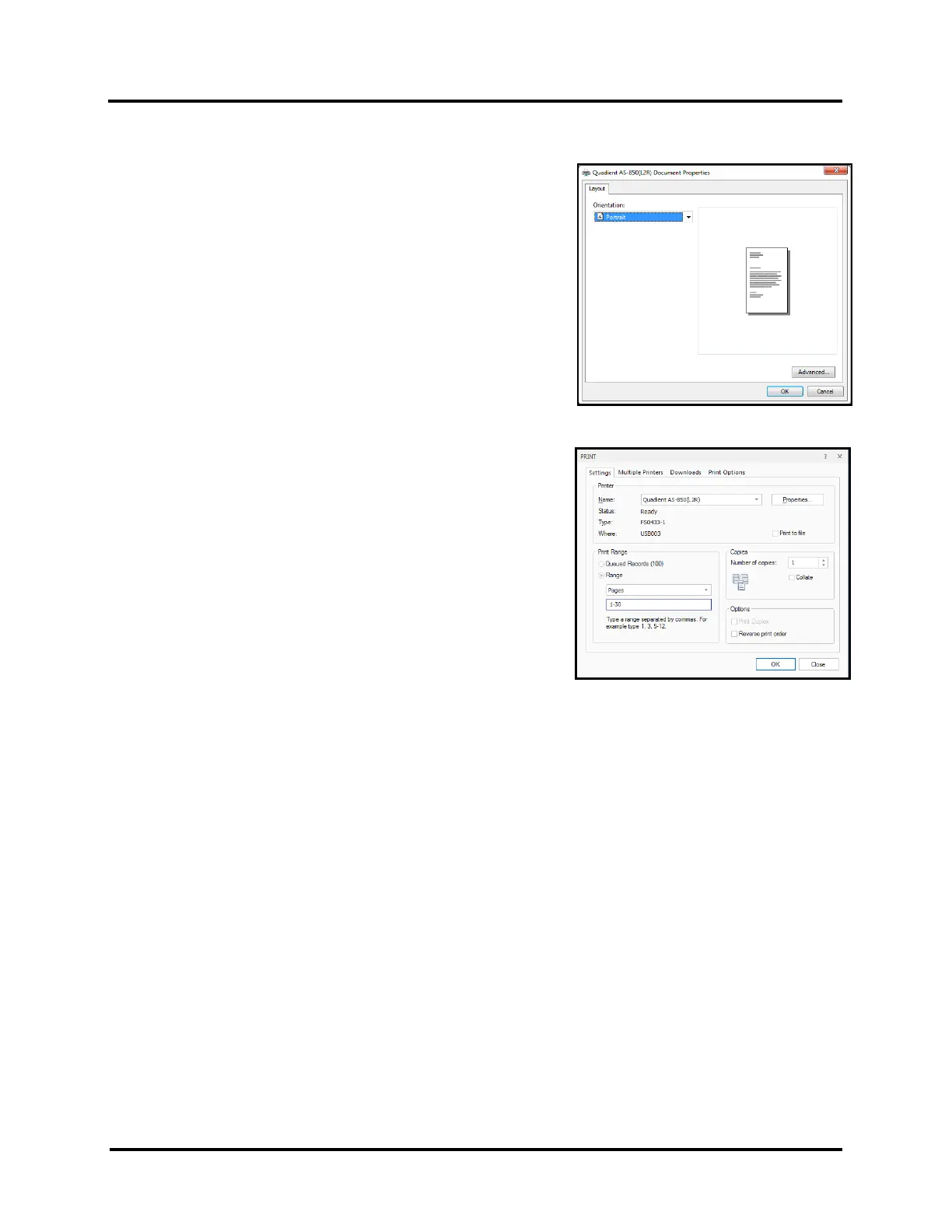
16. Click on “OK” to Close the “Document Properties” window.
17. Click on “OK” to send records to the printer.
NOTE: Make sure the printer is powered up and ready, before
sending job/records to printer.
TIP: If you want to “test print” a single record, or a few records,
using the current Printer Preferences; select “Pages”, as the
“Range” choice. Then you can type 1, to print a single page, or
type the Range of Pages that you would like to print, such as 1-30.
Please contact FlexSystems (support@flex-systems.com) or visit their web site (www.flex-systems.com)
for additional help on using FlexMail.



 To Next Page