SECTION 5
TROUBLESHOOTING
76
Touchscreen Messages (continued)
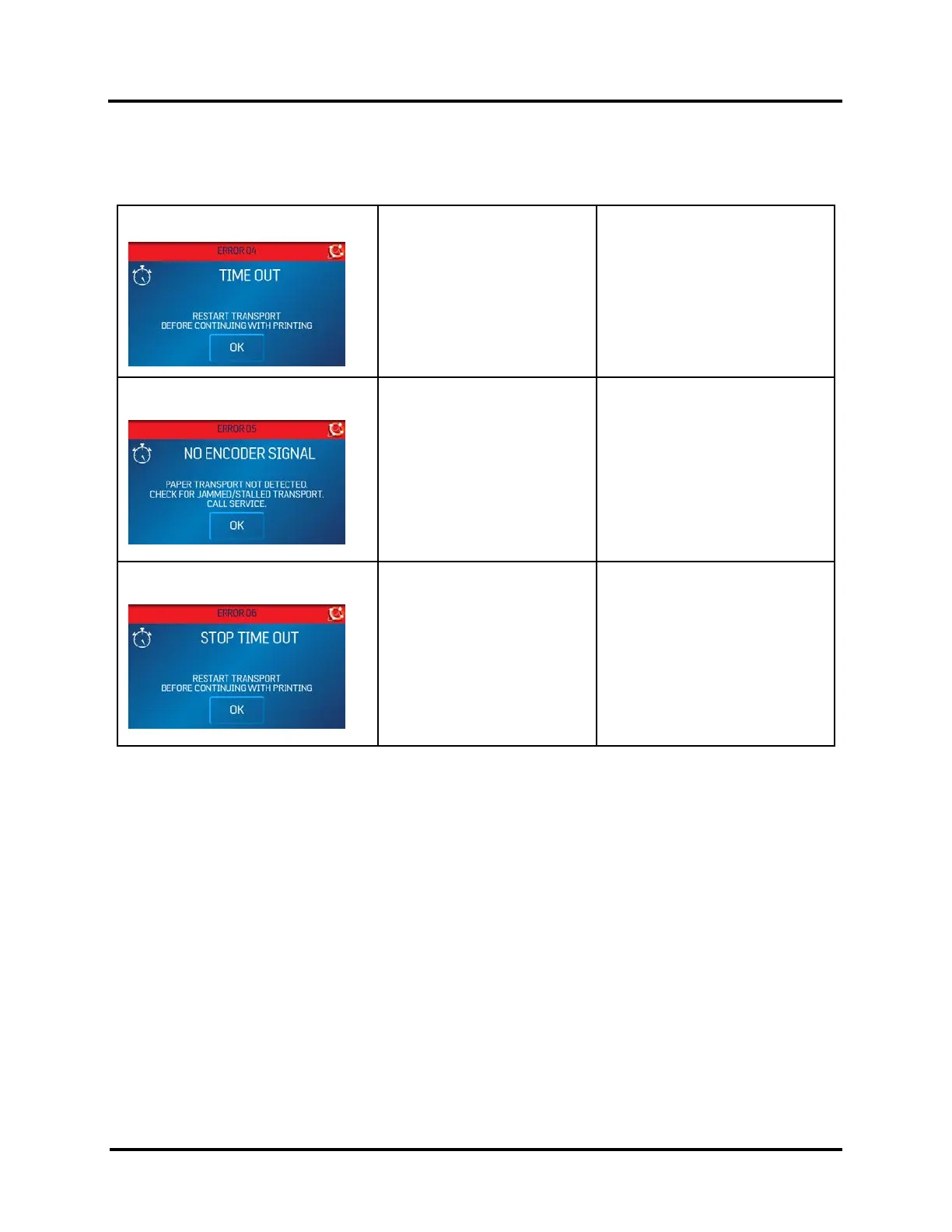
The Touchscreen will display messages to alert you to problems or to indicate a process is finished.
TIME OUT
(ERROR 04)
Printer operation has timed out
or Printer was paused too long.
Check Printer.
Press OK to continue.
NO ENCODER SIGNAL (ERROR 05)
Printer Motor has stopped.
Wire Harness connection is
loose or broken.
Encoder Belt worn or broken.
Encoder Sensor not working.
Check/clear possible Jam.
Press OK to continue.
Properly shutdown and cycle
printer power.
If problem persists contact Service
Support.
STOP TIME OUT (ERROR 06)
Printer Transport was left
running and automatic 5-
minute timeout has started.
Press OK to restart transport
before continuing to print.



 To Next Page